Find every device on your network, without an agent on each one.
One daemon scans your subnets and identifies what answers. Run a scan when you need one, or schedule it to keep the inventory and maps current.
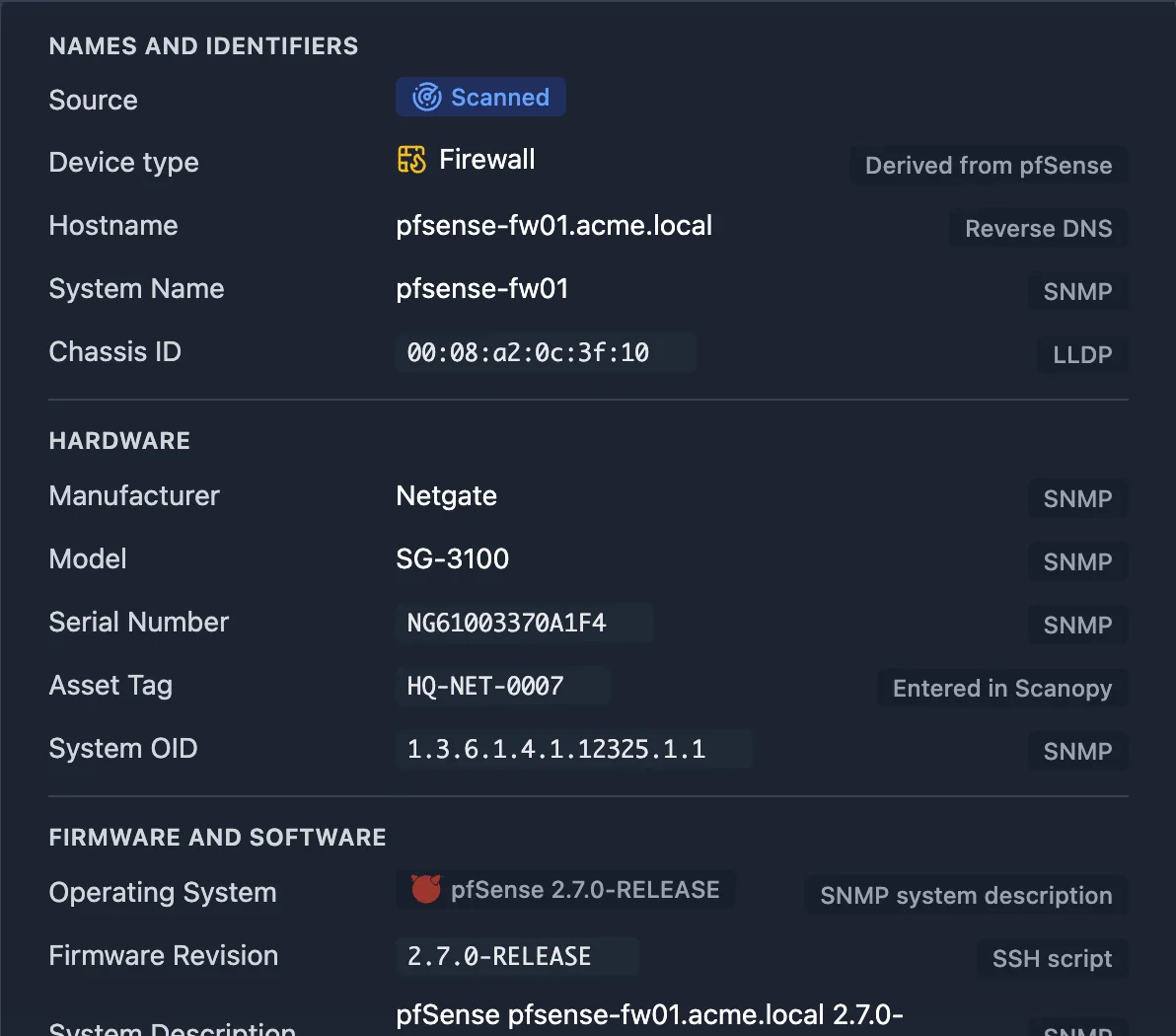
Find the devices nobody told you about
The daemon sweeps every subnet it can reach with ARP, ping, port scans, and protocol probes, and names each host from mDNS, reverse DNS, and SSH and HTTP banners. See everything it collects.
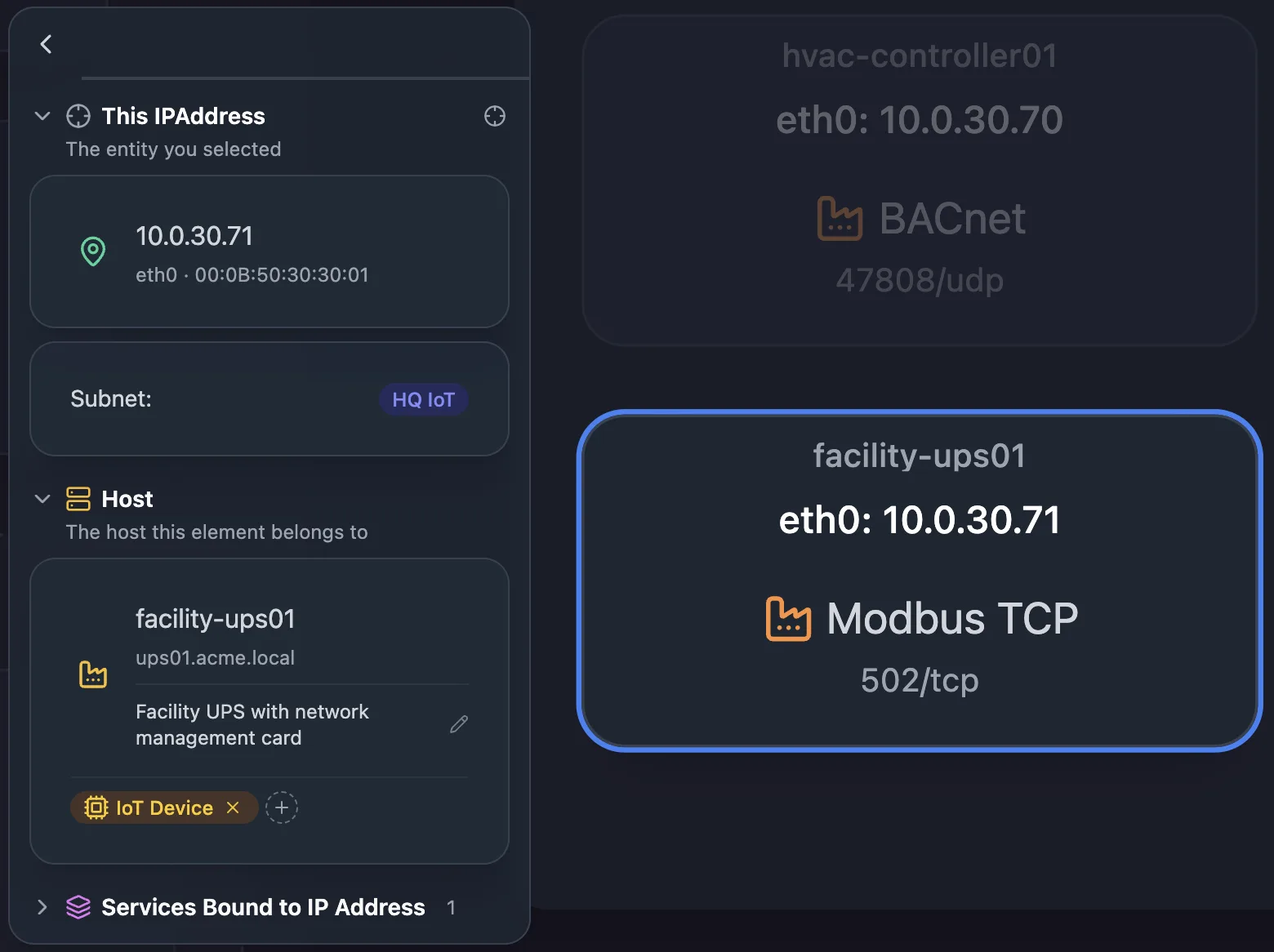
Know what each device is
Scanopy identifies the services on each host from 410+ definitions, from databases and web servers to printers, cameras, and IoT devices. See service detection.
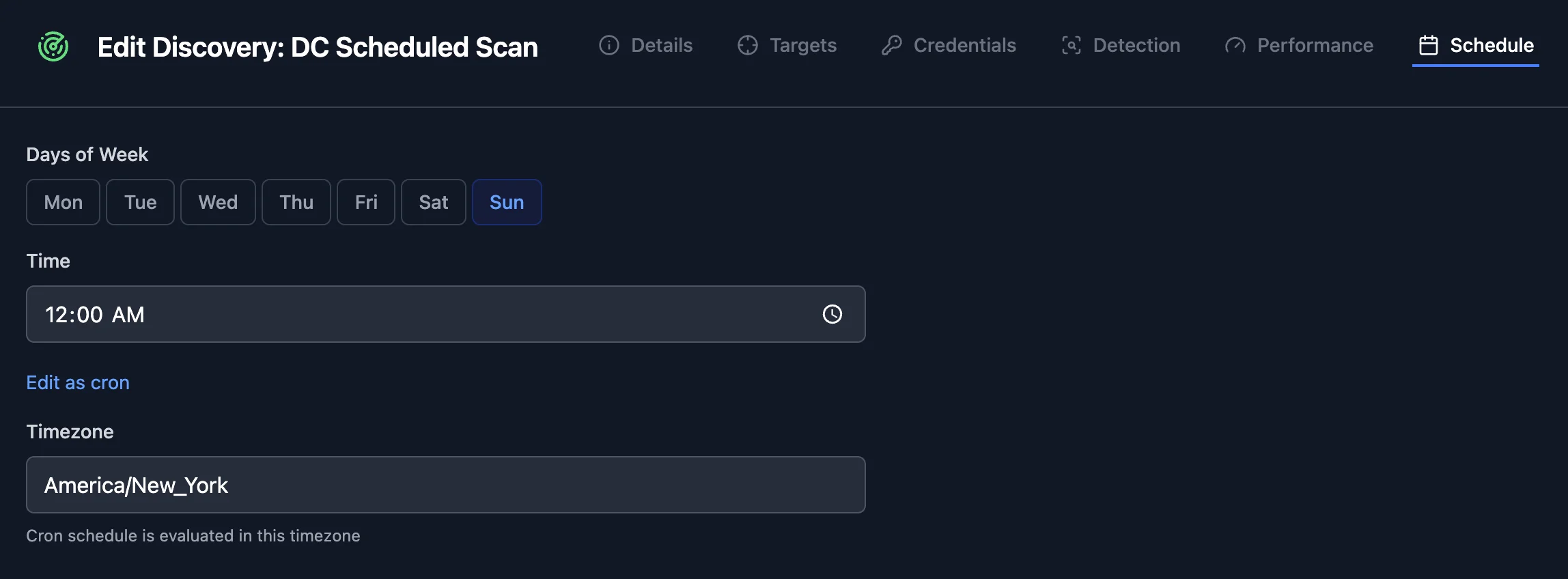
Stop rescanning by hand
Pick the days and time for each scan, or write a cron expression, in the timezone you set. After every scheduled scan, the inventory and maps reflect what it found.
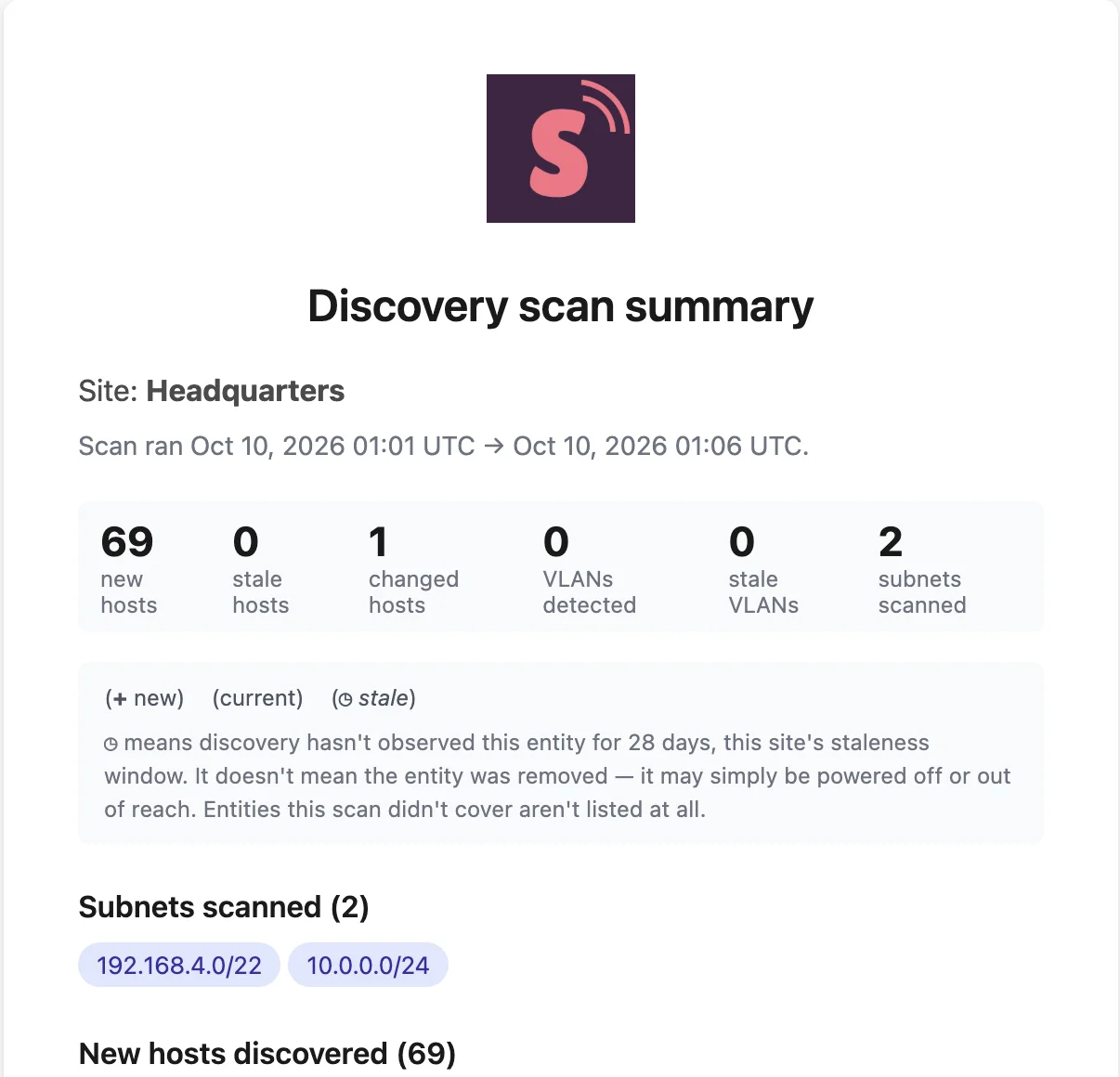
Hear what changed without checking the map
After each scan, everyone with access to the site gets an email listing new hosts, hosts that dropped off, changed services, and new VLANs.
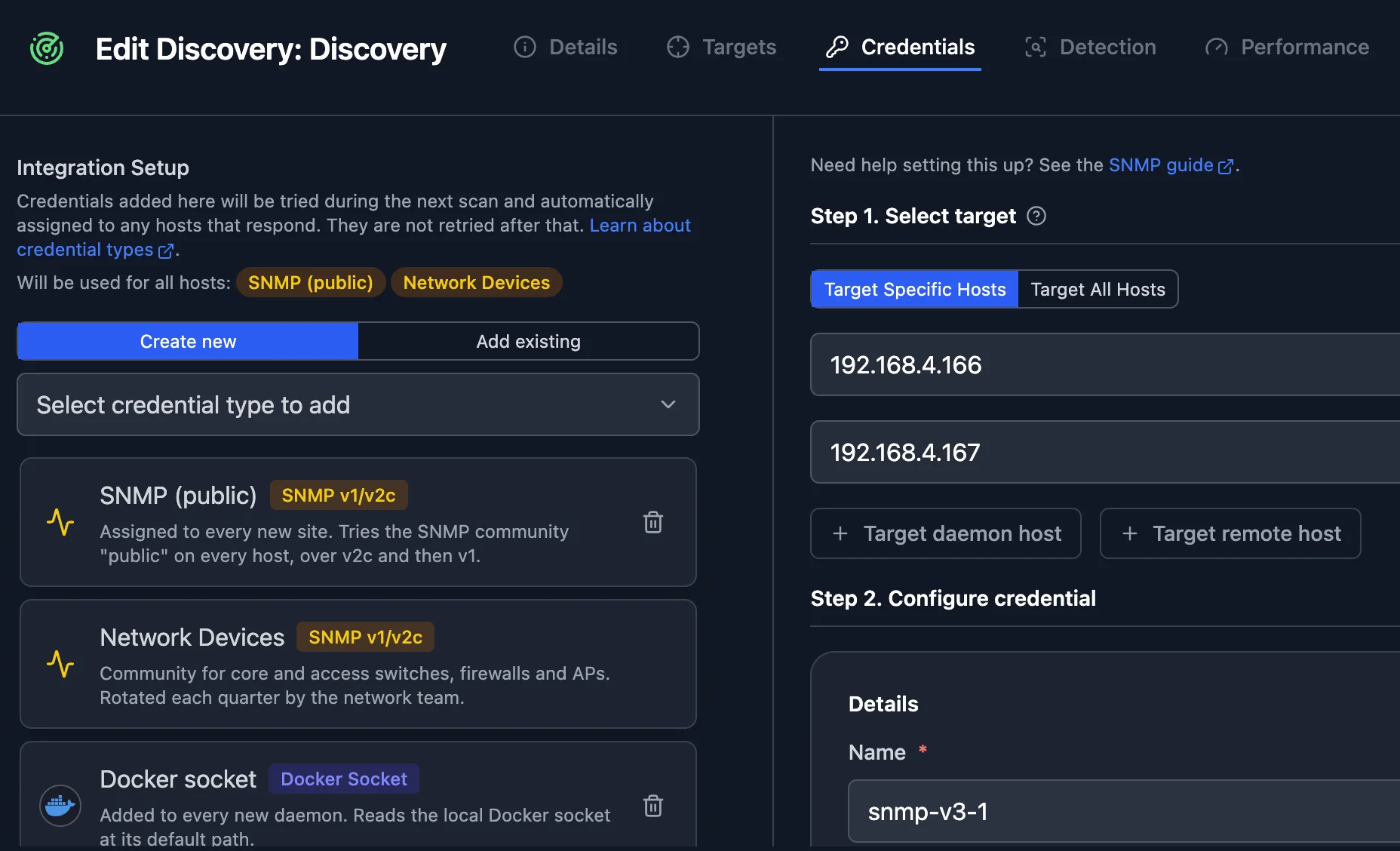
Go deeper with credentials
Add SNMP, SSH, or API credentials to a scan. Its next run tries them, assigns each to the hosts that accept it, and reads switch ports, VLANs, hypervisor guests, and containers. See discovery integrations.
Solutions built on Network Discovery
Related features
Frequently asked questions
Do I need an agent on every device?
No. One daemon scans the network. Credentials are optional and add detail from the devices that accept them.
Which plans include scheduled scans?
Every plan can run a scan on demand. Scheduled scans are on paid plans; the pricing page lists which.
Does Scanopy alert me when a new device joins the network?
Scanopy is a documentation tool, not a monitor. New hosts appear in the digest after the next scan, not the moment they connect. For real-time alerts, run it alongside your monitoring tools.
Can I turn the digest off?
Yes. Each user can switch off the discovery scan summary in their email settings.