Document the plant network without sending the data off site.
Scanopy runs on your own server, scans at the rate and scope you set, and identifies industrial devices alongside the IT gear, so the plant network gets the same current map as the office.
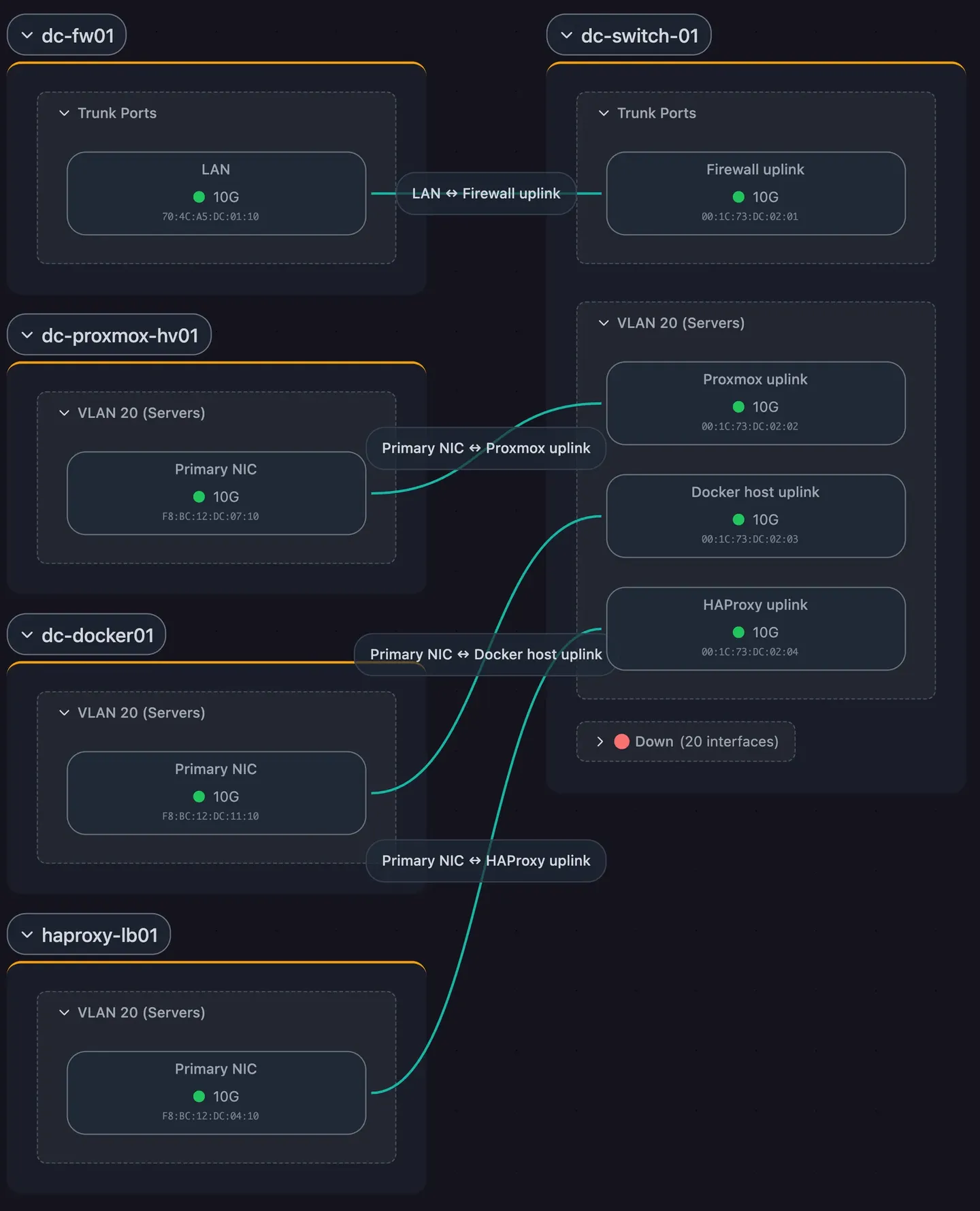
Industrial devices identified next to IT gear
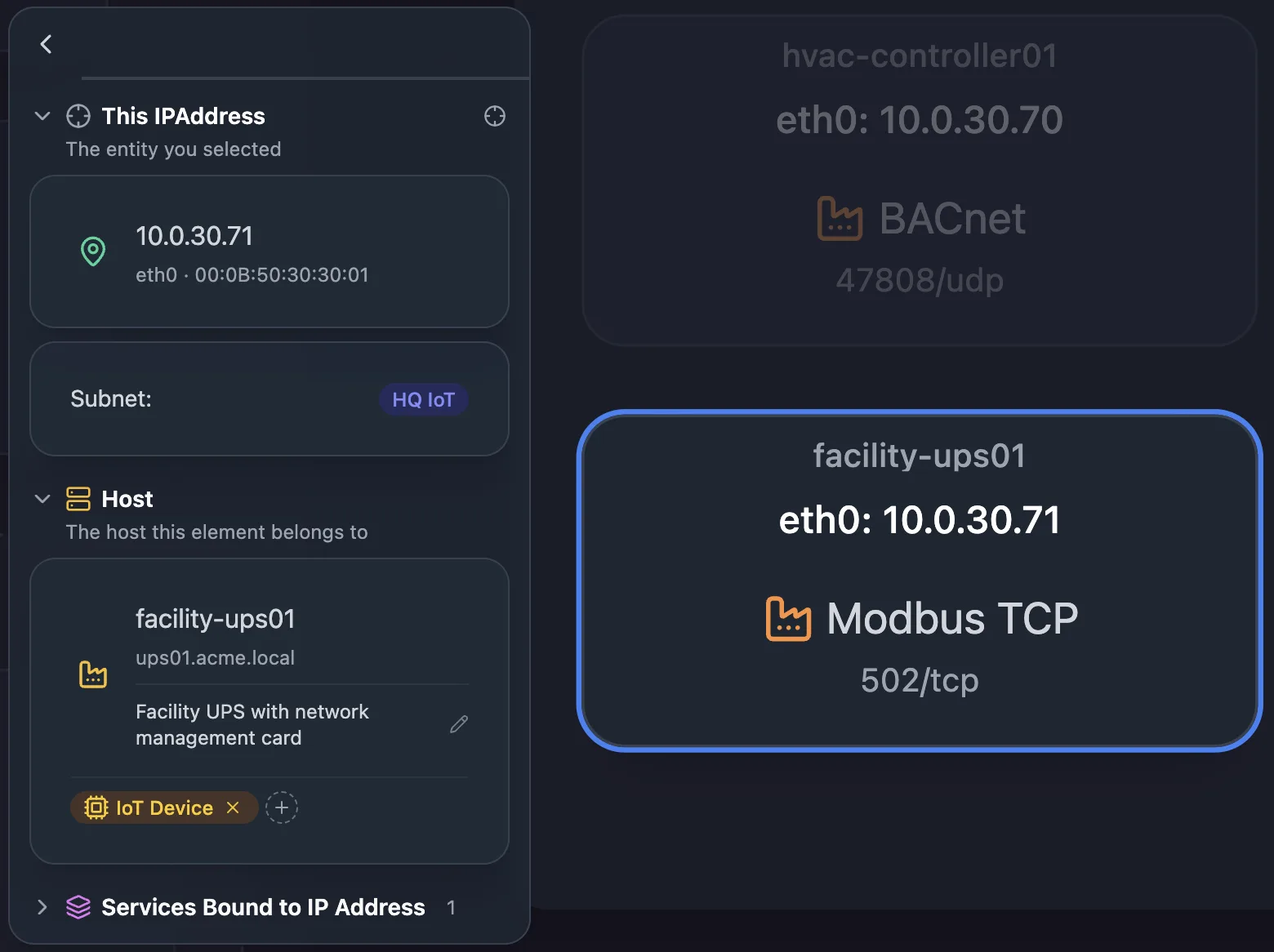
Industrial protocols
Modbus TCP, EtherNet/IP, OPC UA, and BACnet devices are identified as industrial services.
Industrial switches
Port links from industrial switches, Westermo included, come from LLDP like any other switch.
Devices without an IP
Devices found only by MAC address, such as PROFINET devices that answer DCP, still appear on the physical (L2) map.
Scans you set the pace and scope of
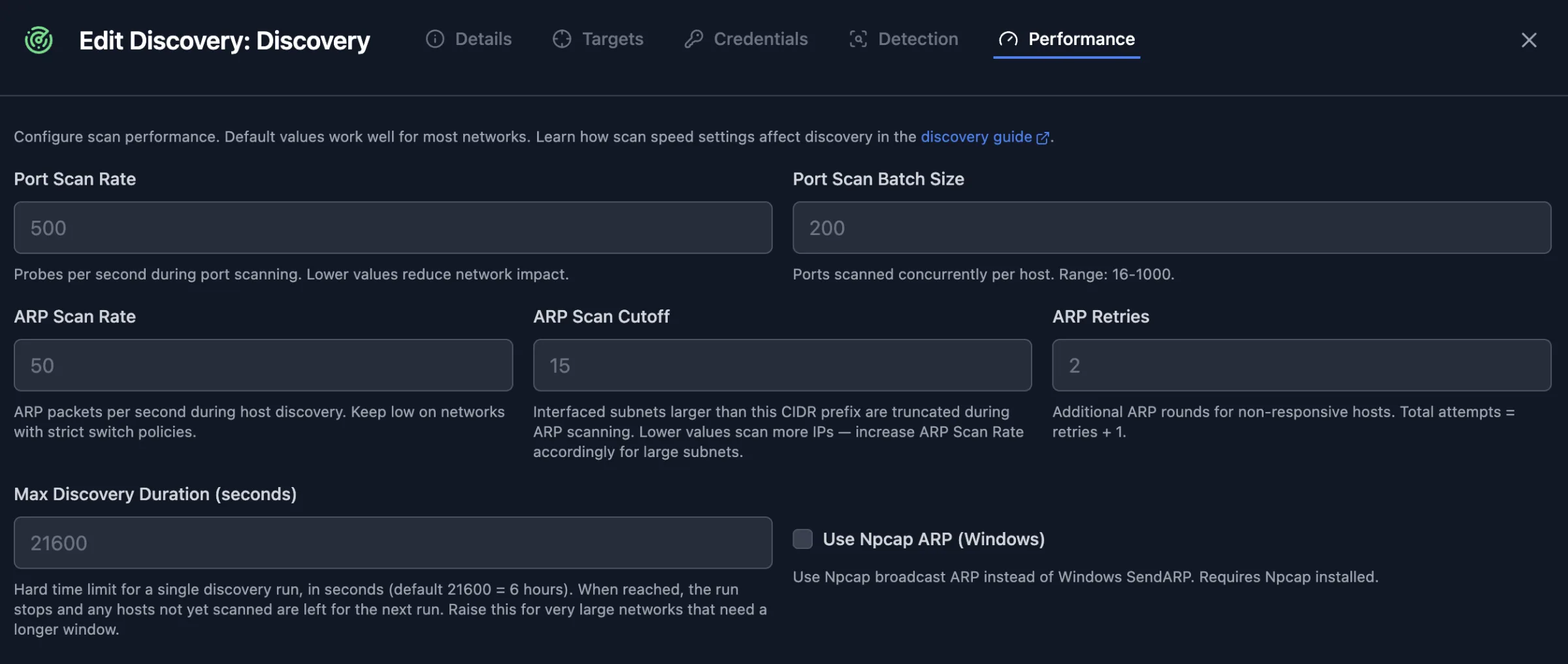
Rate limits
Set the ARP and port-scan packet rates for each discovery, and a maximum run time.
Light scans by default
Most runs probe a common port set, and a full port sweep runs only every few scans.
Scoped to what you choose
Pick the subnets each discovery covers and the interfaces the daemon uses, and schedule scans for a maintenance window.
The data stays on your network
Self-hosted
Run the Scanopy server on your own infrastructure with the Commercial Edition.
Air-gapped
On plans with air-gapped deployment, an offline license key validates without contacting Scanopy.
Evidence for CMMC
Level 2 scoping needs every in-scope asset, OT included, in an inventory and a diagram. See the CMMC guide.



The features behind it
Frequently asked questions
Does Scanopy scan actively?
Yes. The daemon sends ARP and port probes, and identifies industrial devices with protocol requests such as Modbus device identification. You set the rate, the subnets, and the schedule, so you can test on one cell and run scans in a maintenance window.
Can I run it with no internet connection?
Yes, self-hosted with an offline license key, on plans that include air-gapped deployment. The pricing page lists which.