Find the devices nobody told IT about.
Scanopy scans each office network on a schedule and lists every host it finds, with its MAC, IP, and the services it runs. After each scan, a digest names the hosts that are new since the last one.
New hosts land in the scan digest
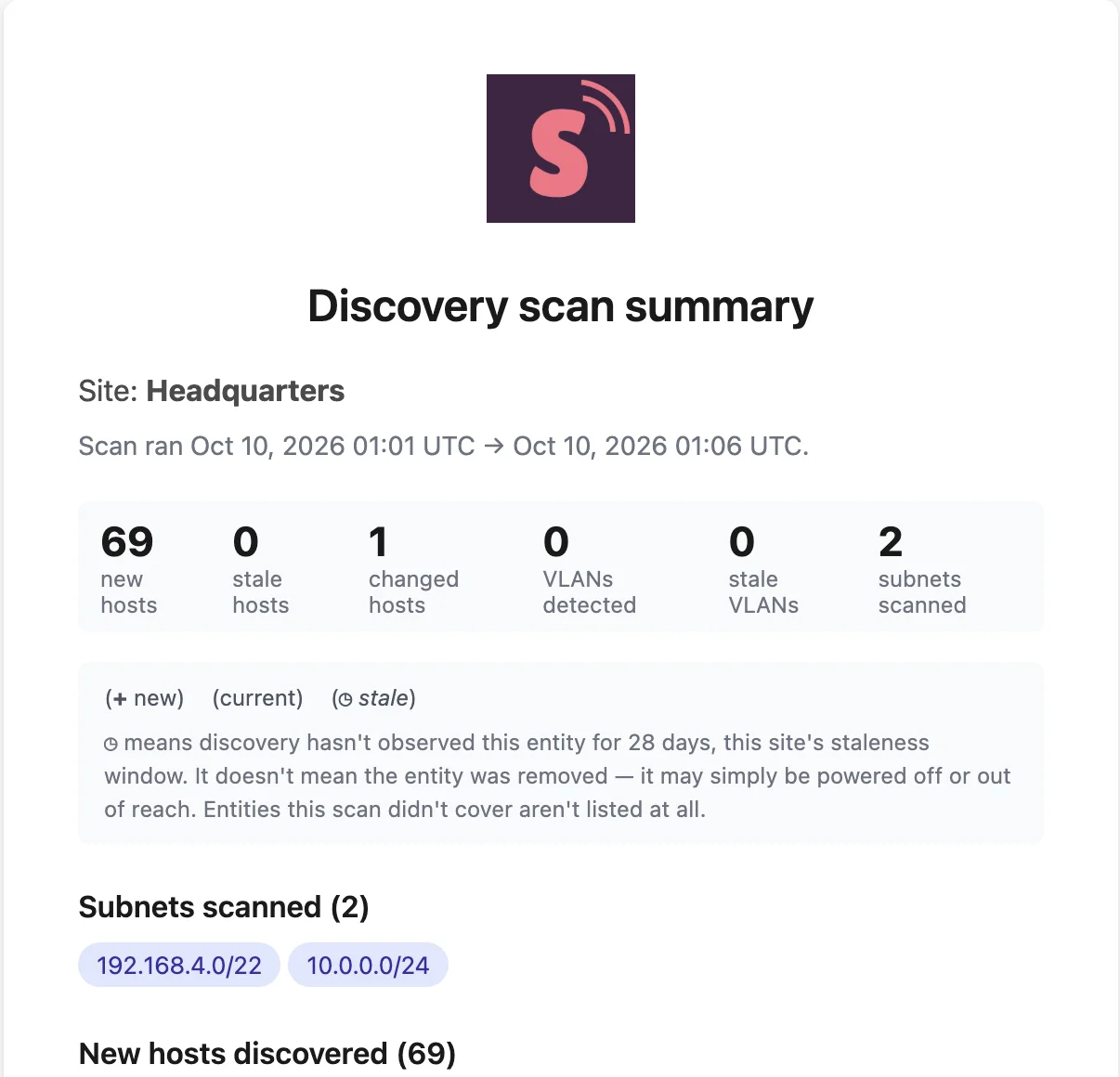
Added since the last scan
The digest after each scheduled scan lists every host that wasn’t there before.
Gone, too
Hosts that stop answering show as stale, so a device that walked out the door doesn’t linger in the inventory.
Changed hosts
A known host with new services or open ports shows up as changed, such as a workstation that starts serving a web app.
Know what a device is from what it runs
270+ service definitions
Printers, cameras, NAS boxes, IoT hubs, databases, and web servers, matched by open ports, service responses, and MAC vendor. See the list.
Hardware facts where SNMP answers
Managed devices report manufacturer, model, serial number, and firmware.
Unknown ports stay visible
A host running something Scanopy doesn’t recognize still shows its open ports, so an unlabeled service is a lead, not a blank.
See which subnet and VLAN it landed on
Subnet and VLAN context
Each host sits in its subnet, typed as LAN, WiFi, IoT, Guest, or DMZ, with the VLANs behind it.
Tag what you’ve reviewed
Tag hosts as approved or by owner, then filter the inventory by tag to see what still needs a look.
Every office covered
Run a daemon in each office and every network reports to one inventory. See multi-site networks.
The features behind it
Frequently asked questions
Is Scanopy a NAC or a security monitoring tool?
No. Scanopy documents what is on the network and keeps that record current. It does not block devices or alert in real time: a new device appears in the digest after the next scheduled scan. Run it alongside your NAC and monitoring tools.
Do I need to install anything on the devices?
No. One daemon per site scans the network. Devices that answer SNMP report more detail when you add credentials.