Find every production server, or every device finance owns, in one filter.
Tag anything in Scanopy, from hosts and VLANs to credentials and API keys, then filter, search, and group the map by your tags.
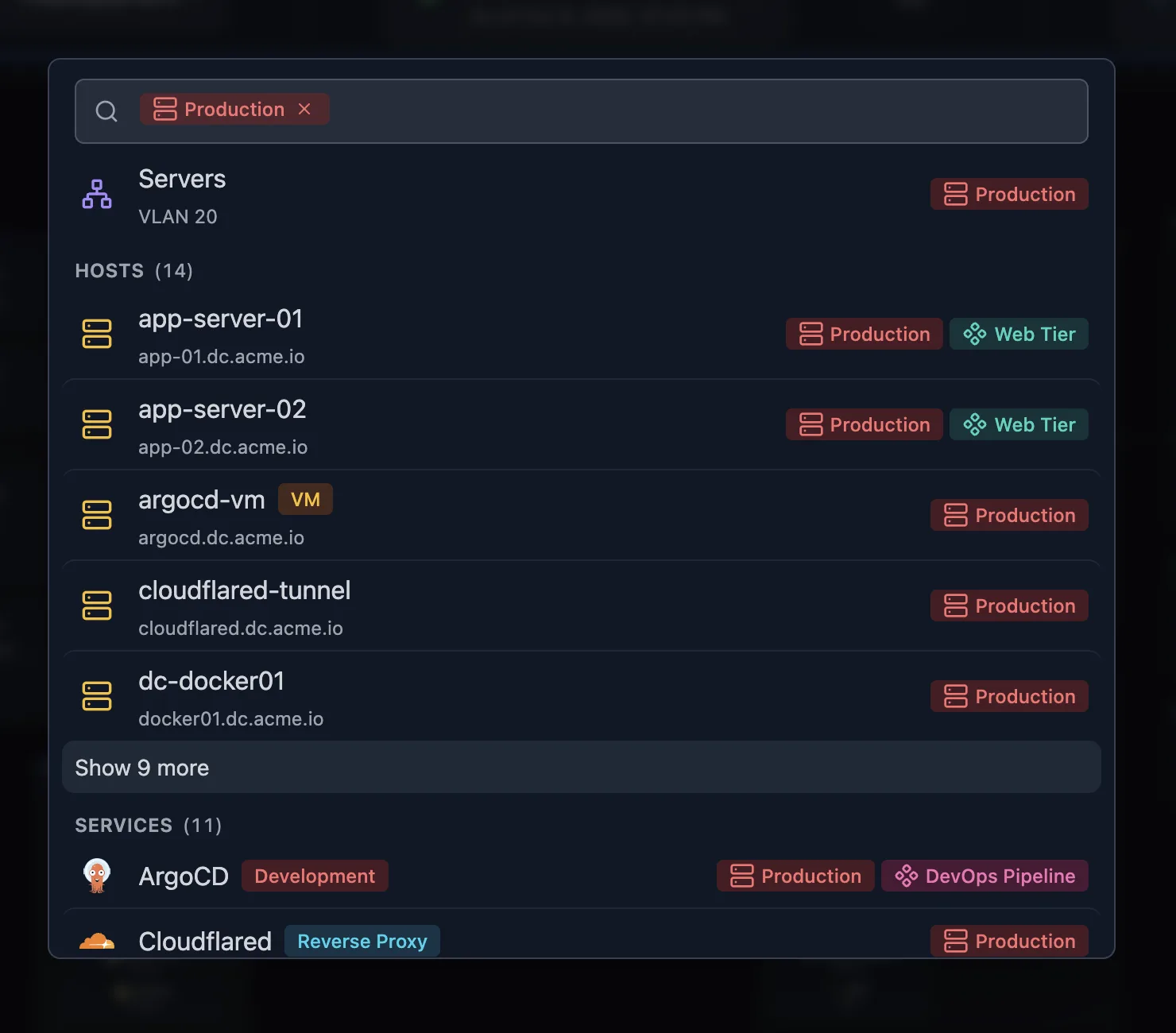
Answer “what’s in production?” without a spreadsheet
Tag hosts, services, subnets, VLANs, sites, credentials, daemons, and API keys, one at a time or a whole selection at once, and filter any list by tag.
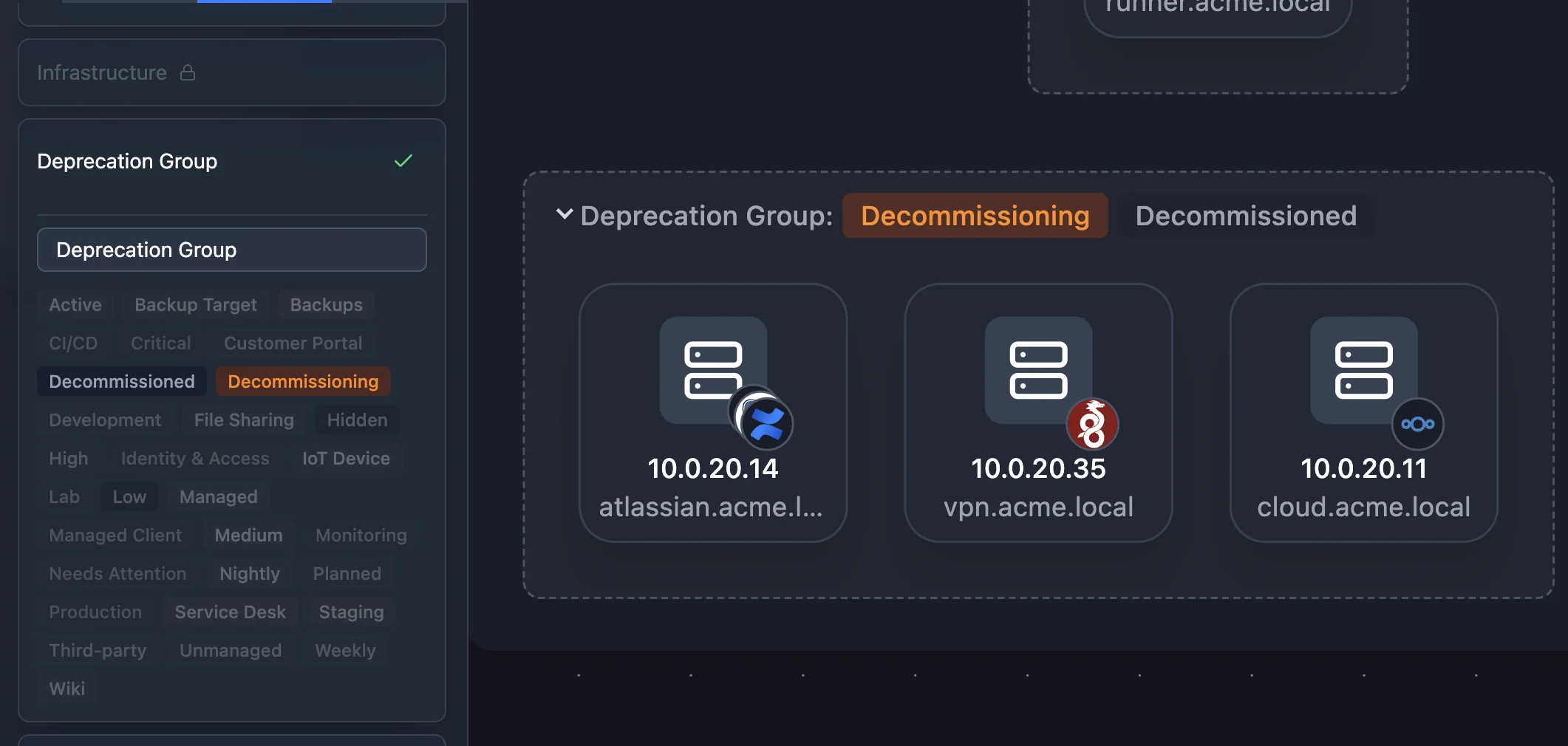
Group the map by what you tagged
Group hosts on the map by tag, hide hosts with a Visibility tag, and gather each application’s services under its application tag.
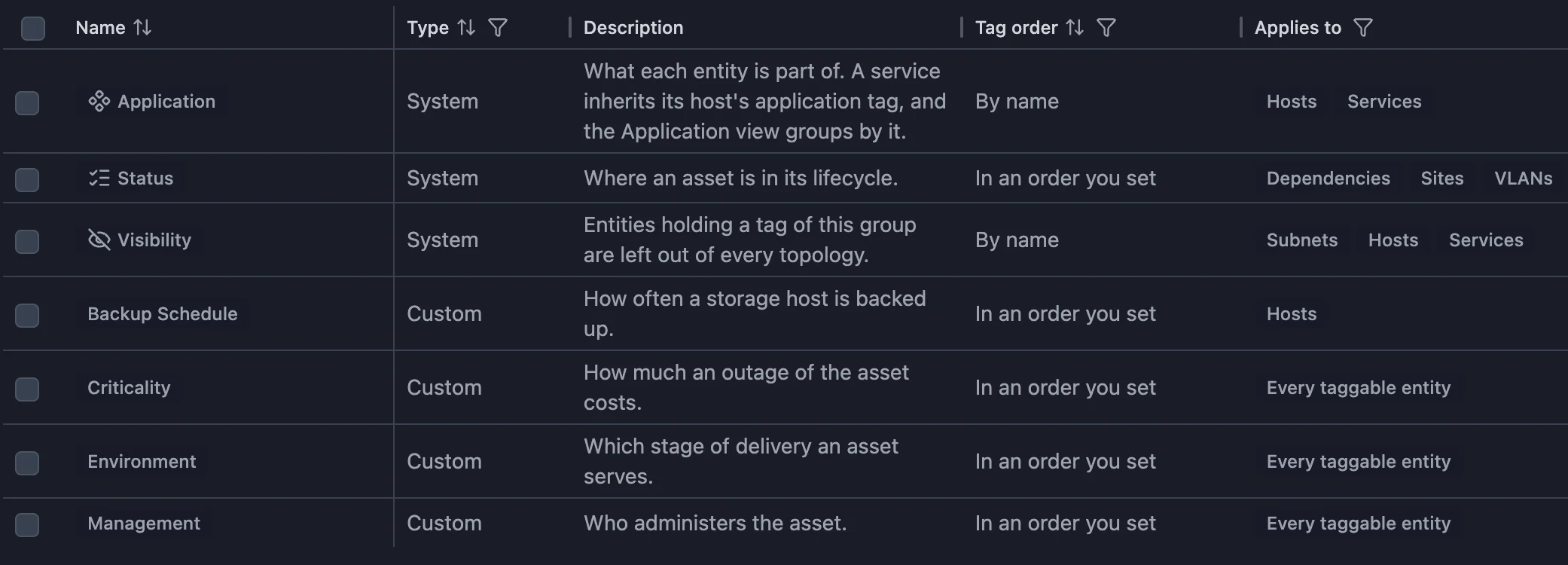
Organize tags into groups that can’t contradict each other
A server can’t be both Active and Decommissioned. Gather related tags, such as lifecycle stages or criticality levels, into groups, and each item holds one tag from each group.
Related features
Frequently asked questions
Does Scanopy tag devices automatically?
No. You apply tags, and discovery doesn’t add or change them.
Which tag groups come built in?
Application, Status, and Visibility. Application builds the application map, Status tracks where each item is in its lifecycle, and Visibility hides hosts from the map.
Which plans include tagging?
Paid plans. The pricing page lists which.