Know what changed since the last scan, and what the network looked like on audit day.
After each scheduled scan, Scanopy emails a digest of the hosts and VLANs that appeared, went stale, or changed. Take a snapshot before an audit or a change window, and you can open the network as it was on that date.
A digest after every scheduled scan
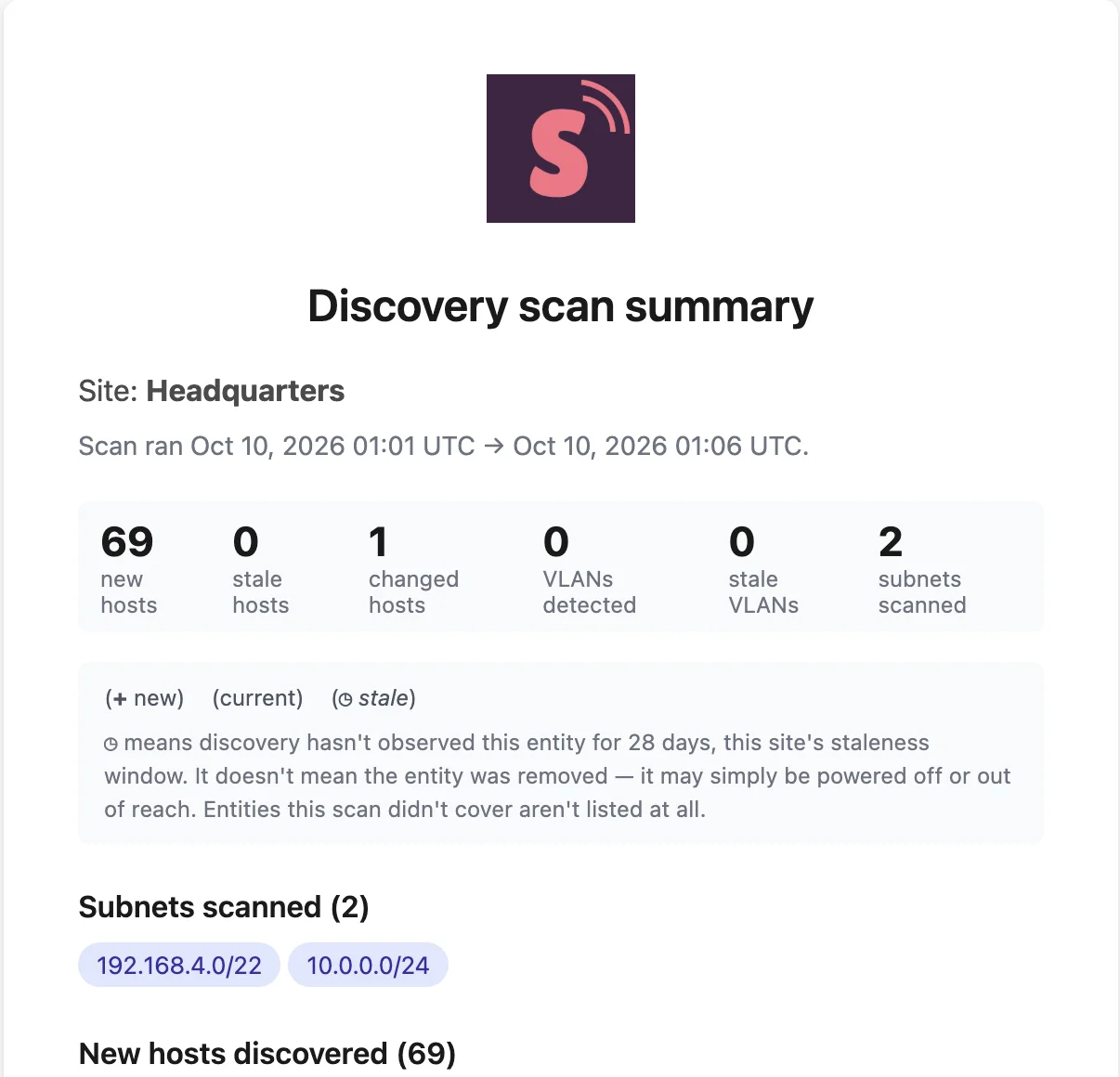
What it lists
Subnets scanned, hosts added, hosts gone stale, hosts with new or missing services, addresses, interfaces, or ports, and VLANs added or gone stale.
Silent when nothing changed
If a scan finds no changes, no email goes out.
Sent to the people on that site
Everyone with access to the site gets it, and each person can turn it off in their email settings.
A snapshot records the network on a date
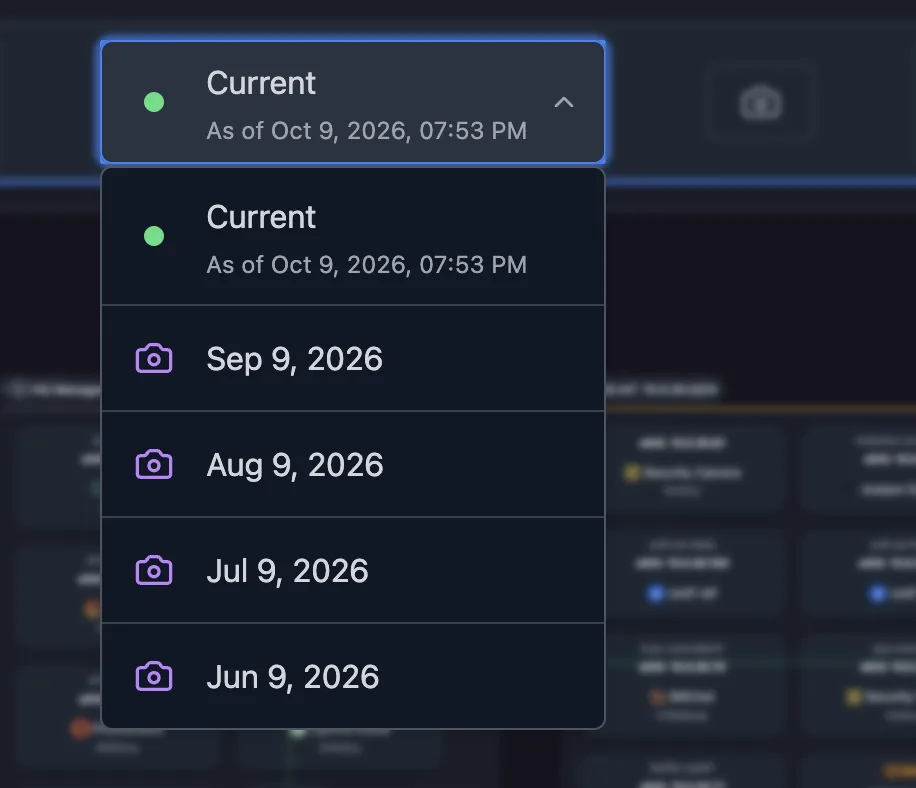
Take one before it matters
One click captures the whole topology before an audit, a migration, or a change window.
Open it read-only
Pick a snapshot from the topology menu to see every view as it was when you took it.
Export it with its date
A snapshot export carries its capture time in the header, so the evidence states when it was true.
Export the live map or a snapshot, and embed or share the live one
Solutions built on Snapshots & scan digests
Frequently asked questions
Does Scanopy alert me when a new device joins the network?
Scanopy is a documentation tool, not a monitor. New hosts appear in the digest after the next scheduled scan, not the moment they connect. For real-time alerts, run it alongside your monitoring tools.
How long are snapshots kept?
It depends on the plan, and the pricing page lists retention for each. Self-hosted servers can set their own retention period.
Can I turn the digest off?
Yes. Each user can switch off the discovery scan summary in their email settings.