Keep your network documentation in your own jurisdiction.
Scanopy runs on a server you choose, in the country you choose. The diagrams, inventory, and credentials stay there, and Scanopy does not receive them.
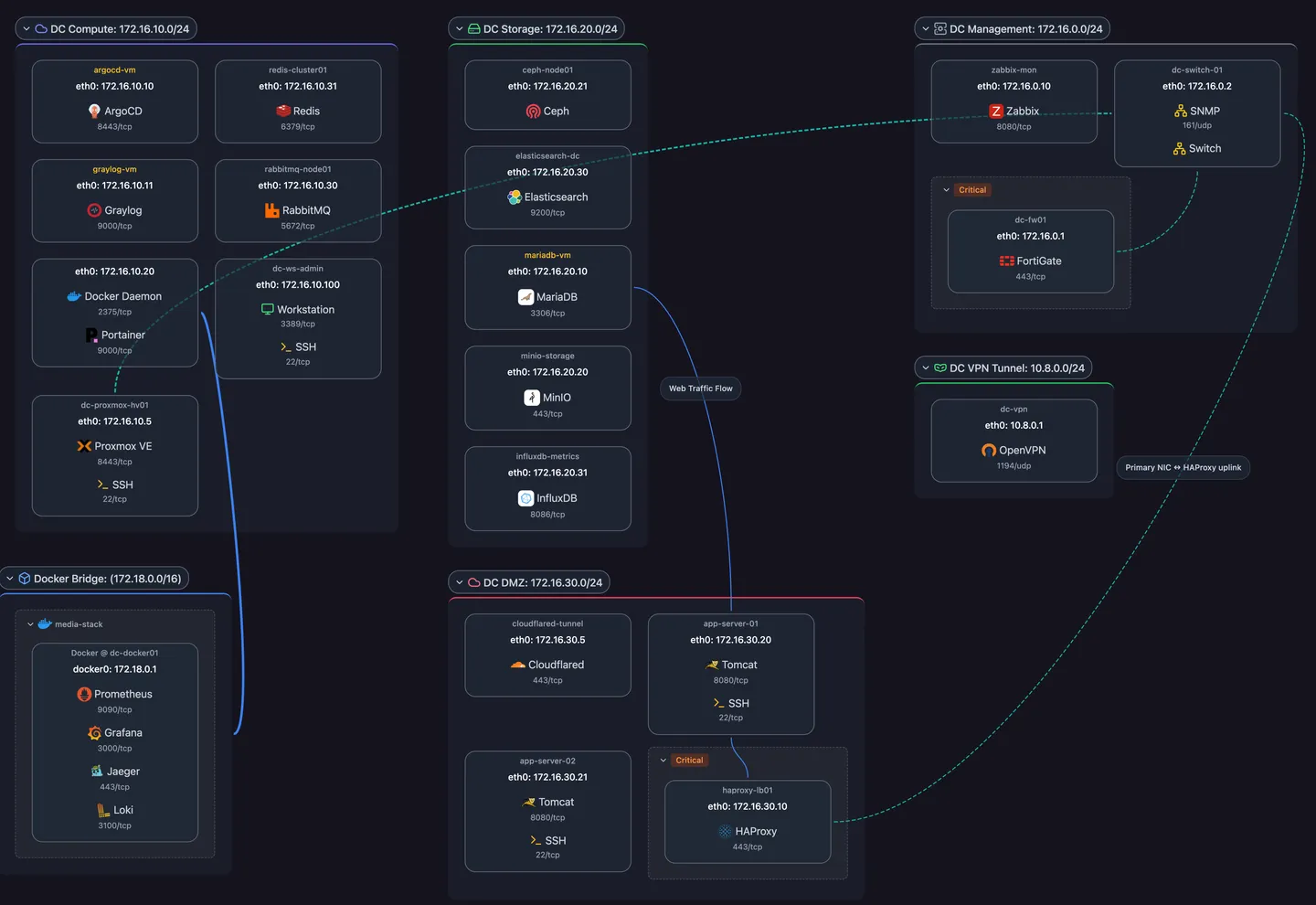
Your server, in your country, holds the documentation
Where it runs
The server, database, and daemon run where you put them, on premises or with a hosting provider you choose.
What it holds
Discovery data, topology, and stored credentials sit in your own database, under your own backups and retention. Scanopy does not receive them.
What reviewers can check
The Community Edition server is AGPL-3.0, and the Commercial Edition is that server plus a license key. The security page covers data paths and credential storage.
Offline license keys remove contact with Scanopy
Self-Hosted Plus and Enterprise use offline license keys, which validate on your server with no check-in. Self-Hosted Standard uses an online license key, so the server needs outbound access to Scanopy Cloud. Compare the Commercial Edition tiers.



The features behind it
Frequently asked questions
Where is Scanopy Cloud hosted?
In the United States. The application server runs on Hetzner and the database on Neon, both in the US. To keep your network data in another country, self-host Scanopy.
Does Scanopy receive anything from a self-hosted server?
Scanopy receives no discovery data, topology, or credentials. Online license keys check in with Scanopy Cloud, which is hosted in the US. Offline license keys do not check in. Scanopy holds the license and billing records for paid editions.
Can Scanopy run with no internet access?
Yes, on Self-Hosted Plus and Enterprise. Their offline license keys validate without contacting Scanopy, so the server runs on isolated networks. The Commercial Edition page compares the tiers.