Put the current network map wherever your team already looks.
Export a static copy in the format the document needs, embed the live map in a wiki or dashboard, or send a read-only link that stays current as the network rescans.
Three ways to get the map out, plus a dated snapshot
Share links you control
Password and expiry
Protect a link with a password, set a date it stops working, or switch it off at any time.
Choose what they see
Pick which views the link opens, and whether viewers get the inspector, zoom controls, export button, and minimap.
No account needed
An auditor, contractor, or client opens the live map in a browser without a Scanopy login.
Embed the live map in the page people already open
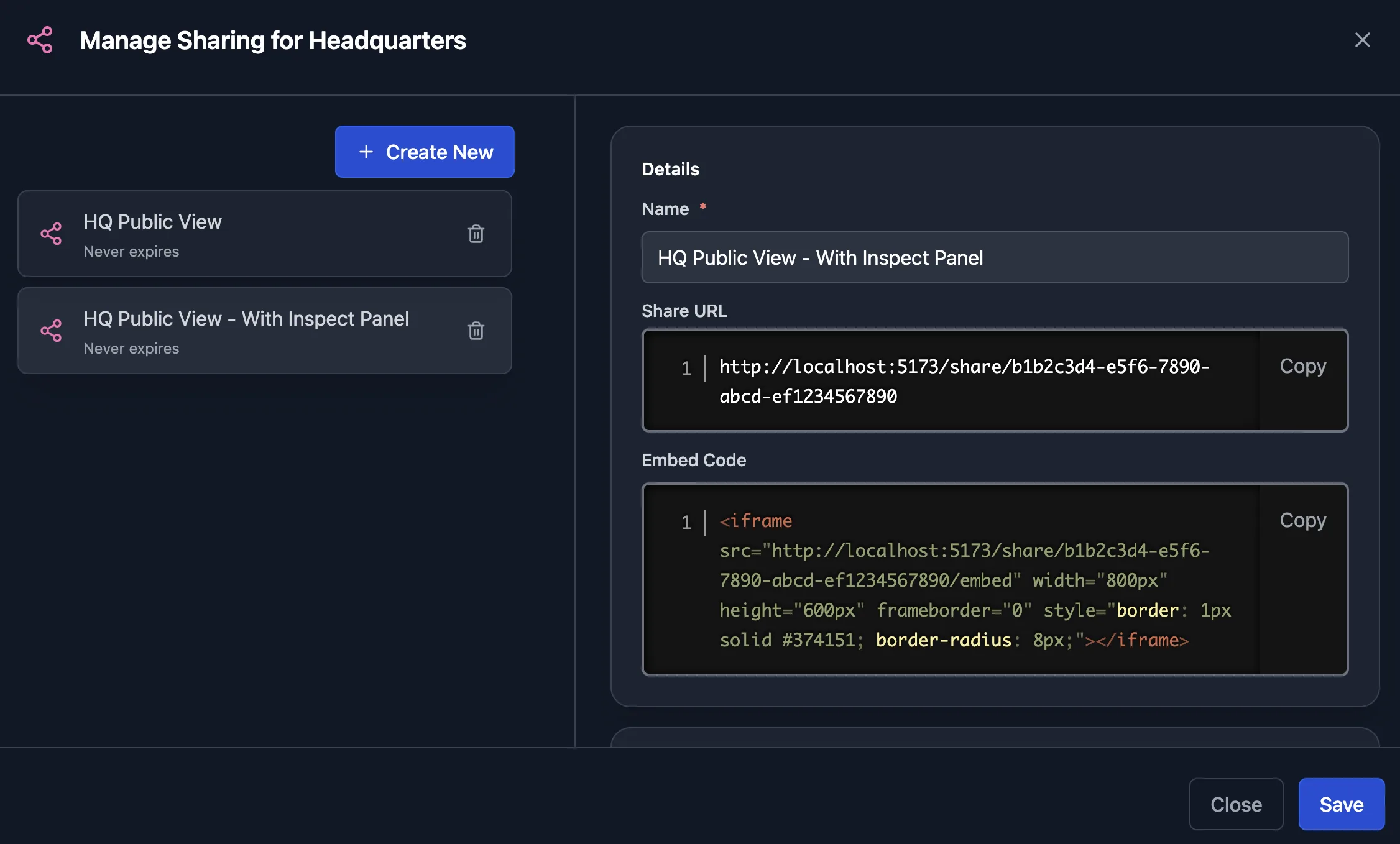
One iframe
Paste the embed code into Confluence, a wiki, an intranet page, or a dashboard, with your choice of size and theme.
Restricted to your sites
List the domains allowed to embed the map, and every other site is refused.
Current without anyone updating it
The embedded map is the live one, so the page shows the network as of the last scan.
Solutions built on Sharing, embeds & exports
Related features
Frequently asked questions
Which export formats does Scanopy support?
PNG, SVG, PDF, and self-contained HTML; editable draw.io and Visio diagrams; Mermaid and Confluence markup; and CSV of the underlying host and service data. Some formats are on higher plans; the pricing page lists which.
Does a shared link show a snapshot or the live network?
The live network. To record the network on a date, take a snapshot and export it, and the export carries the capture time.