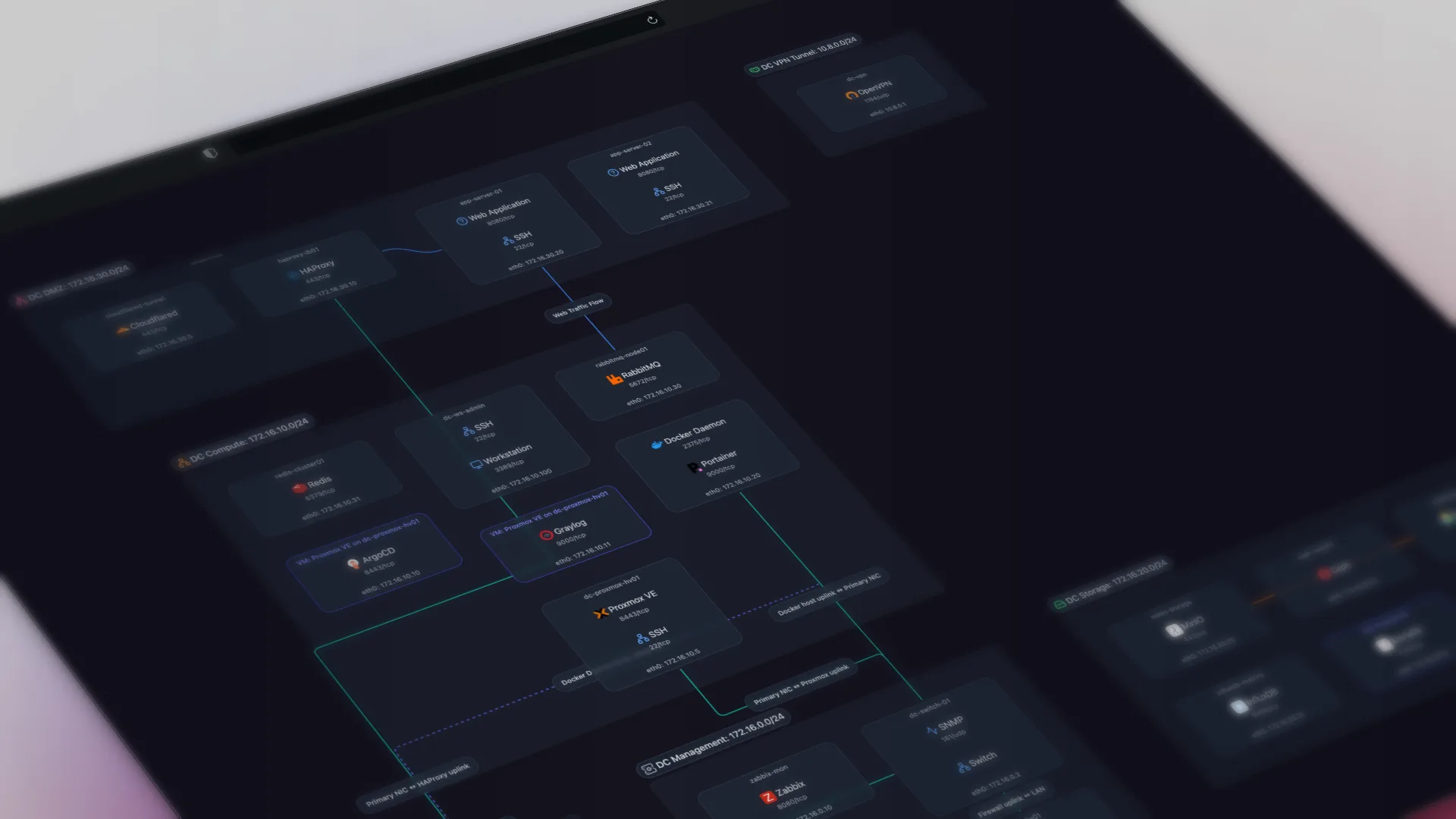
Scanopy is for IT teams and MSPs who want a dedicated network diagram automation tool which works alongside their existing monitoring platform. SolarWinds Network Topology Mapper is for enterprise teams that standardize on Microsoft tools and need Visio-native network diagram exports. Discovery, the four topology views, pricing, and licensing are where the two differ, including SolarWinds Network Topology Mapper's trade-offs.
Scanopy vs SolarWinds Network Topology Mapper: head to head
| Scanopy | SolarWinds Network Topology Mapper | |
|---|---|---|
| DiscoveryProtocols used to find devices and map connections | SNMP LLDP CDP ARP ICMP mDNS TCP/UDP | SNMP WMI CDP LLDP ICMP [3] |
| ServicesNo No service awareness Basic Common port detection Yes Application-level fingerprinting | Yes260+ types | No |
| Network ViewsWhich topology views the tool produces from discovery. L2 Physical switch ports and links L3 Subnets, VLANs, routing Workload VM/container host nesting Application Service-dependency / app grouping Yes supported Tag ? unverified Greyed not supported | L2 and L3 diagrams from a single scan. [3] | |
| Live UpdatesWhether diagrams update automatically after the initial scan | Yes | Yes |
| Open SourceOSI OSI-approved open source license Source available Source code available, restricted license No Proprietary | OSI AGPL-3.0 | No |
| PricingStarting price or pricing model | Starts at $11.99 monthly, unlimited hosts | Perpetual ~$1,570 (subscription shift unclear) [44] |
| Also IncludesCapabilities beyond network diagramming | Docker Visualization | — |
How they compare
SolarWinds NTM and Scanopy both scan a network over SNMP, CDP, and LLDP and turn it into topology diagrams. The difference is what you get at the end. NTM is a standalone Windows desktop application whose signature output is a Microsoft Visio export: it auto-populates Visio SmartShapes from the scan, which is why it is the default in shops that standardize on Visio for compliance documentation. Scanopy is a web-based tool: one daemon discovers the network and produces an interactive map you open in a browser, share by read-only link, embed via iframe, and export as PNG, SVG, PDF, HTML, Mermaid, Confluence, or CSV.
The trade-off is a web-based living map versus Windows-bound Visio files, plus the product's trajectory. NTM has no web interface, no API, and no embeddable output, and its result is a static file you regenerate each time you rescan. It has also received only maintenance and security updates since roughly 2016. SolarWinds staff stated on the THWACK forum in 2017 that "there is no current roadmap for the product." If your deliverable is a Visio file for auditors, NTM produces it natively and Scanopy does not. If you want a shareable, browser-based map that refreshes on a schedule and isn't tied to Windows, Scanopy is flat monthly with unlimited hosts, commercially self-hostable, or free under AGPL-3.0.
Native Visio SmartShapes is the one export format NTM produces and Scanopy does not. For an organization whose documentation standard is Visio, that format decides the choice.
When to choose which
Choose Scanopy when: Choose Scanopy for live maps over on-demand Visio exports: automatic L2, L3, workload, and application views, per-host service detection, flat pricing regardless of host count, and a free, self-hostable Community edition. It sits alongside your monitoring stack rather than replacing it.
Choose SolarWinds Network Topology Mapper when: Enterprise teams that need compliance-ready documentation with Visio exports. The Visio export alone makes it the default choice in organizations that standardize on Microsoft tools.
This is a focused, two-tool comparison. Weighing other options too? See the best SolarWinds Network Topology Mapper alternatives. For all 13 tools side by side, see the full network diagram tools comparison.
Sources
Started as a homelabber, now deep in SNMP MIBs, Layer 3 topology, and service fingerprinting - building the network documentation tool I wished existed.