TL;DR: The open-source options fall into two groups: tools that discover your network and document it for you (Scanopy Community Edition, NetDisco, LibreNMS, NetBox), and drawing tools you fill in by hand (draw.io). If you want documentation that stays current, you want the discovery kind. This compares the self-hosted, free options by license, what each one discovers, and what it actually maps, so you can pick one to run yourself.
If you want your network documented but you also want to self-host it and pay nothing for the license, you have several open-source options. The catch is that they are not interchangeable. Some discover your network and draw the map for you; one of the popular ones is a drawing tool you fill in by hand; and one is a database with no map at all. This guide sorts them out so you can pick the one that matches what you need.
The open-source options split into discovery tools and drawing tools
This is the distinction everything else follows from. A discovery tool queries the network over protocols the devices already implement (SNMP, LLDP, ARP) and generates the documentation from what it finds. A drawing tool gives you a canvas and you place every box yourself. Both can be open source and free. Only the first kind stays current on its own.
draw.io is the drawing tool people reach for, and it is a capable manual diagramming tool. But a diagram you draw by hand is wrong the moment the network changes, which is the same problem a spreadsheet template has. If your goal is documentation that stays current, you want a discovery tool. The rest of this guide is mostly about those.
| ToolProduct name and link to vendor site | Open SourceOSI OSI-approved open source license Source available Source code available, restricted license No Proprietary | DiscoveryProtocols used to find devices and map connections | Network ViewsWhich topology views the tool produces from discovery. L2 Physical switch ports and links L3 Subnets, VLANs, routing Workload VM/container host nesting Application Service-dependency / app grouping Yes supported Tag ? unverified Greyed not supported | DeploymentHow the tool is hosted and run (cloud, self-hosted, desktop) |
|---|---|---|---|---|
| Scanopy Community Edition | OSI AGPL-3.0 | SNMP LLDP CDP ARP ICMP mDNS TCP/UDP | Self-hosted | |
| NetDisco | OSI BSD | SNMP CDP LLDP ARP | Self-hosted | |
| LibreNMS | OSI GPL-3.0 | SNMP CDP LLDP | Self-hosted | |
| NetBox | OSI Apache-2.0 | ICMP SNMP SSH/CLI | Self-hosted, Cloud | |
| Nmap + Zenmap | Source available NPSL | ICMP ARP TCP/UDP | CLI | |
| draw.io | OSI Apache-2.0 | No | Browser, Desktop |
For a detailed comparison of these and other tools, see our full network diagram tools comparison.
Every tool here is free to self-host, but the licenses differ
All of these cost nothing to run. What differs is the license, which matters if you plan to modify the code or ship it inside something else. Scanopy Community Edition is AGPL-3.0, NetDisco is BSD, LibreNMS is GPL-3.0, and both NetBox and draw.io are Apache-2.0. Those are all OSI-approved open-source licenses. Nmap is a special case: it is source-available under the NPSL, which is not OSI-approved, so if a strict open-source license is a hard requirement for you, keep Nmap in a separate column in your head.
Self-hosting is free on license and costs you the operations
Running one of these yourself means no license cost. It also means you run the database, apply the updates, and own the backups. The trade is operational: you spend engineering time instead of license money. For a homelab or a team that already runs its own stack, that is a fair trade. If you would rather not run the stack yourself, Scanopy Cloud is hosted and managed. If you want to stay self-hosted but past the Community Edition's single-site limit, the commercial license raises them to 50 sites on Standard and 100 on Plus.
NetBox is open source but does not draw a map
NetBox comes up constantly in this search, so it is worth being precise about what it is. NetBox is a source-of-truth database: a structured, self-hosted inventory of your network that automation tools consume. It can discover the network with its own Discovery agent, but it has no native topology map. Visualization is plugin-based (netbox-topology-views is the common one), not part of the core product. If what you want is a documented inventory that feeds Ansible or Terraform, that is what NetBox is for. If what you want is to look at your network, you want a tool that renders the map itself. The NetBox comparison covers where the two overlap and where they do not.
Scanopy Community Edition discovers the network and renders the map itself
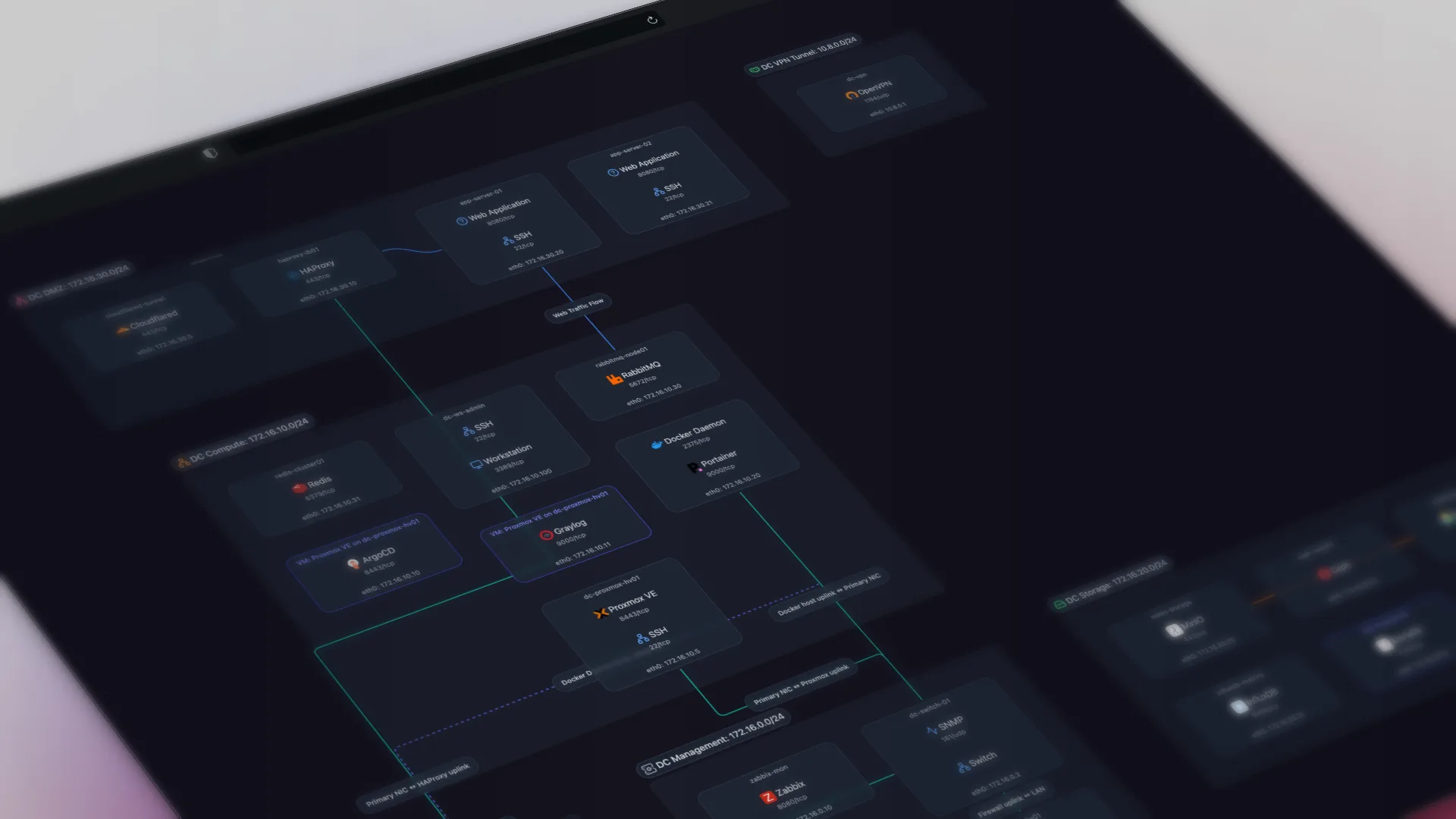
Scanopy Community Edition is AGPL-3.0 and self-hosted. One lightweight daemon discovers your hosts, services, interfaces, and topology, then builds an interactive map with four switchable views (physical, logical, workloads, applications) that updates on a schedule. You can embed it in a wiki or intranet via iframe, share a read-only link that stays current as the network rescans, or export a snapshot as an image (PNG, SVG, PDF, HTML), as diagram markup (Mermaid, Confluence), or as CSV data. It is the discovery-and-map option in one tool, free to run yourself.
The open-source tools here are all narrower than the full field. If you want to weigh them against the commercial tools too, with pricing and discovery method side by side, see the full comparison of network diagram tools.
Frequently Asked Questions
What are the open-source network documentation tools?
The main self-hosted, open-source options are Scanopy Community Edition (AGPL-3.0), which discovers the network and renders an interactive topology map; NetDisco (BSD), strong on Layer 2 switch-port mapping; LibreNMS (GPL-3.0), a monitoring platform with discovery and basic maps; and NetBox (Apache-2.0), a source-of-truth database that can scan with its Discovery agent but has no native map. draw.io (Apache-2.0) is open source too, but it is a manual drawing tool with no discovery.
Is there open-source network diagram software that draws the diagram automatically?
Yes. Open-source network diagram software splits into two kinds. draw.io is free and open source but you draw every box by hand. Scanopy Community Edition, NetDisco, and LibreNMS discover the network over SNMP, LLDP, and ARP and generate the diagram from what actually exists, so it does not go stale the way a hand-drawn one does. If you want a diagram that stays current on its own, choose a discovery-based tool.
Is there a free, self-hosted NetBox alternative?
It depends on what you use NetBox for. NetBox is a structured source-of-truth database with no native topology map, so teams often pair it with a visualization tool. If what you actually want is a self-hosted tool that discovers the network and draws the map for you, Scanopy Community Edition (AGPL-3.0) does that in one daemon. NetDisco is another self-hosted option focused on Layer 2. See the NetBox comparison for where each fits.
Can I self-host network documentation for free?
Yes. Scanopy Community Edition, NetDisco, LibreNMS, and NetBox are all free and self-hosted. You run them on your own infrastructure, which means you also run the database, updates, and backups. That is the trade-off of self-hosting: no license cost, but the operational upkeep is yours. Scanopy's commercial editions exist for teams that want the same tool without running the stack themselves.
Which open-source network documentation tool is best?
There is no single best; it depends on the job. For an interactive topology map with switchable views, Scanopy Community Edition. For deep Layer 2 switch-port mapping, NetDisco. For monitoring with discovery attached, LibreNMS. For a structured inventory database that feeds automation, NetBox. Most of these do one thing well, so match the tool to the question you need answered.
What license are these open-source tools under?
They differ, and the difference matters if you plan to modify or redistribute. Scanopy Community Edition is AGPL-3.0, NetDisco is BSD, LibreNMS is GPL-3.0, and NetBox and draw.io are Apache-2.0. All are OSI-approved. Nmap is source-available under the NPSL, which is not an OSI-approved open-source license, so treat it separately if license terms are a hard requirement.
Started as a homelabber, now deep in SNMP MIBs, Layer 3 topology, and service fingerprinting - building the network documentation tool I wished existed.