
Hosts & Subnets
Managing discovered hosts and network segments.
Hosts
Hosts represent devices on your network. They are automatically discovered during network scans.
Consolidating Duplicate Hosts
When a device appears on multiple VLANs or through different discovery methods, it may be discovered as separate hosts. Use consolidation to merge them:
- Open the host you want to keep (primary)
- Click Consolidate
- Select the duplicate host(s) to merge
- Confirm
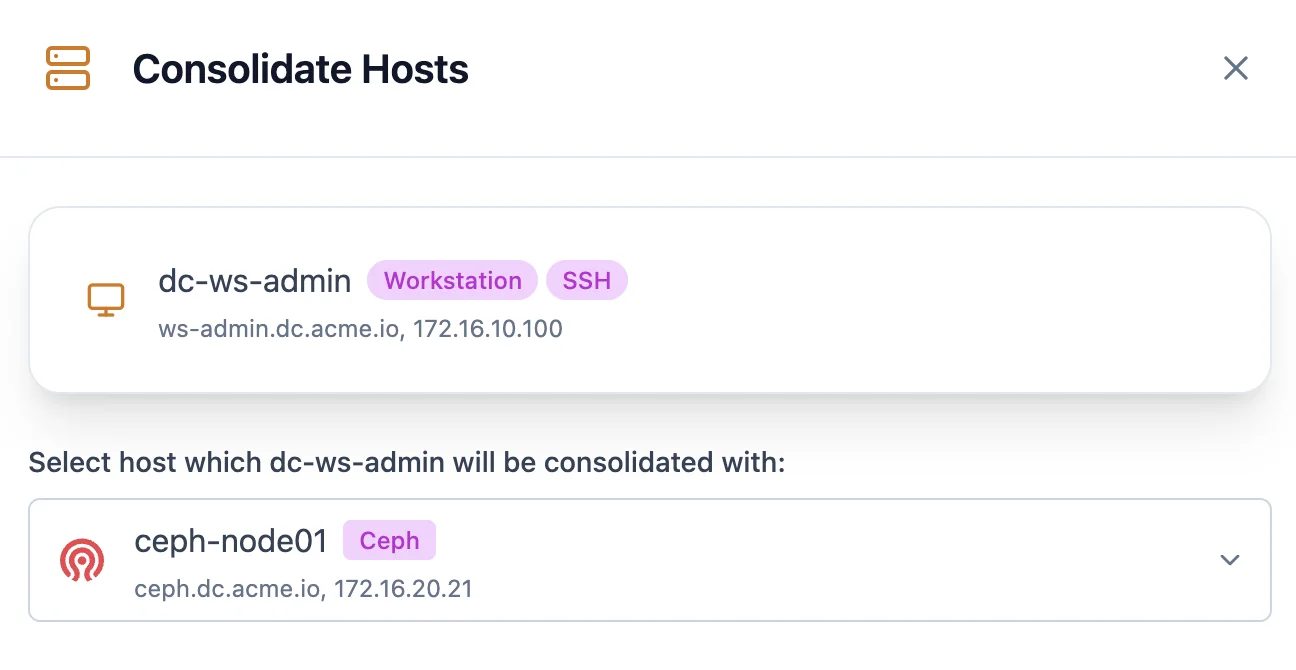
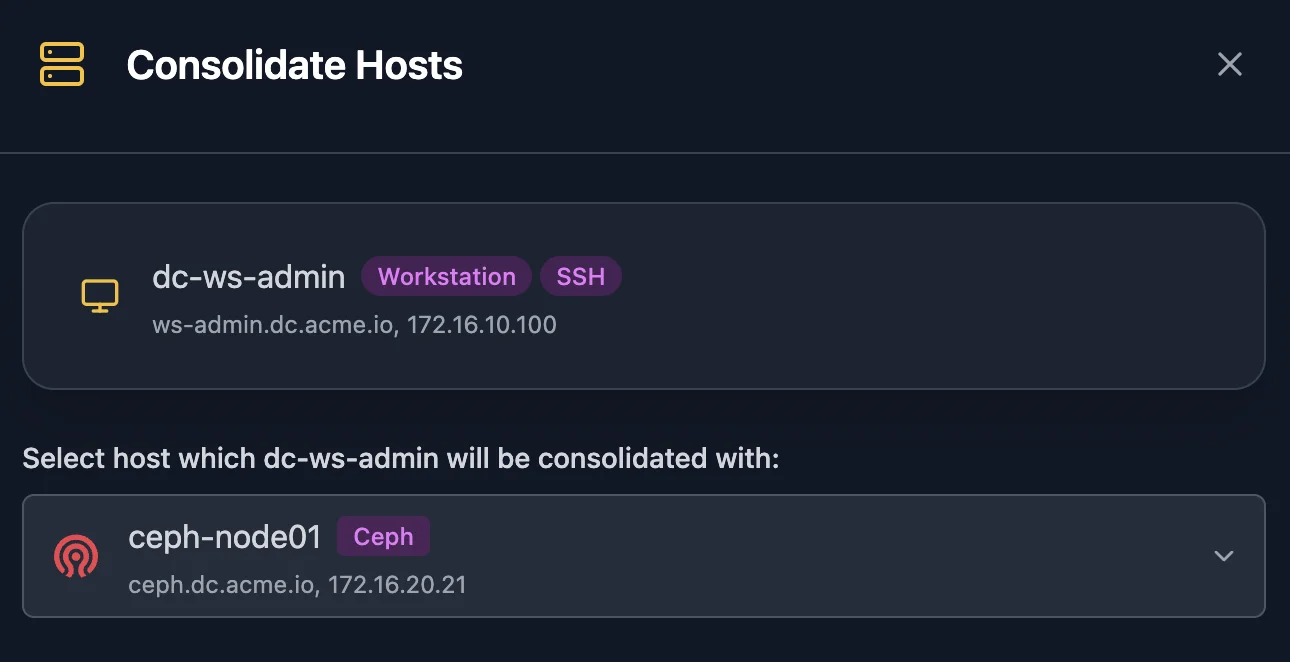
The primary host gains all interfaces, services, and properties from the merged hosts. Use this to unify a server that has interfaces on multiple VLANs into a single logical host.
A host that runs a daemon can't be merged into another host. Consolidate into it instead.
Unclaimed Open Ports
Ports discovered without a matching service definition are assigned to an "Unclaimed Open Ports" placeholder. To reassign them:
- Open the host and go to the Services tab
- Select ports from "Unclaimed Open Ports"
- Click Transfer Ports on the service you want to assign them to
Useful when Scanopy detects an open port but can't identify the service running on it.
Network Identities
A host can present addresses and MACs on the network from its own interfaces, beyond its configured NICs. Common sources:
- macvlan shim interfaces on Docker hosts
- keepalived virtual IPs
- a service given its own LAN address
- network or SNMP simulators that answer as separate devices
Scanopy records each identity as its own host, linked to a "Network Identities" service on the host that presents it and to the interface it sits on. Like "Unclaimed Open Ports", this service is a placeholder, not a running service. It holds the link between the host and the addresses it presents.
Each identity host carries a Network identity tag and appears nested under the host that presents it in the Workloads perspective. Scanopy does not classify what an identity is. An emulated device, a virtual IP and a second address of the host all look the same from the host's interface list. The identity's own data, such as an SNMP sysName, shows what it presents itself as.
These integrations report network identities. Each guide lists what the integration needs to see them:

Virtualization Relationships
Scanopy tracks which VMs and containers run on which hosts. These integrations record the relationships:
| Integration | Relationships it records |
|---|---|
| Docker | Docker |
| Podman | Podman |
| Proxmox VE | Proxmox, Network identity |
You can also assign a host to any hypervisor or container runtime service by hand, from the host's Virtualization settings.
These relationships appear in the topology and host details, showing your virtualization hierarchy. The Workloads perspective provides a dedicated view of this hierarchy.
Service Detection
Scanopy automatically detects 200+ services. See Service Detection for how detection works, confidence levels, and what to do when a service isn't found.
Stale Hosts
Hosts discovery hasn't seen within their site's window carry a Stale badge, and the host list has a Stale only filter to isolate them. This flags devices that may have gone offline without deleting them. See Staleness for how the window works and why an entity goes stale.
Hiding hosts from the topology
Tag a host Hidden, or with any other tag in the Visibility group, to leave it out of every topology. The host stays in the database with all its services, interfaces, and discovery history intact, and filtering the host list by the tag finds it. The same tag hides services and subnets.
Subnets
Subnets represent network segments. Scanopy automatically detects subnets during discovery, but you can also create them manually. Assign a type (LAN, WiFi, DMZ, etc.) to label your subnets for filtering and organization.
Like hosts and services, subnets can go stale — carrying a Stale badge and a Stale only filter when discovery hasn't seen them within their site's window.
A subnet's Utilization counts the usable addresses that hold a discovered IP. For IPv4, usable addresses exclude the network and broadcast addresses, except on a /31 (2 usable) and a /32 (1 usable). An address held by more than one host, such as a shared virtual IP, counts once.
Nested ranges
A subnet that sits inside a larger one on the same site is nested in it. Recording 10.0.0.0/16 for a building whose VLANs are discovered as /24s nests each /24 in the /16. A range's utilization counts the addresses in every subnet nested inside it as well as its own.
Nesting ignores the organizational subnets and container bridge networks, which belong to a single host. Use Resolve assumed range on a range marked Range assumed to confirm the range, correct it, or merge it into a range that contains it.
Organizational Subnets
Two special subnet types use CIDR 0.0.0.0/0 and serve as organizational containers rather than real network segments. Internet holds public and external services. Remote holds hosts that aren't on your local network.