
Changing and Removing Daemons
Edit a daemon's properties, change its settings on the host, or remove it.
Updating Daemon Properties
Click the edit icon in a daemon's row in Discover > Daemons to open its management modal. Its Details tab edits the maintainer, tags, and — for ServerPoll daemons — the URL the server dials. Site, polling mode, and name are read-only: they're set at provisioning and define what the daemon is. A DaemonPoll daemon has no URL to edit, since the server never dials it.
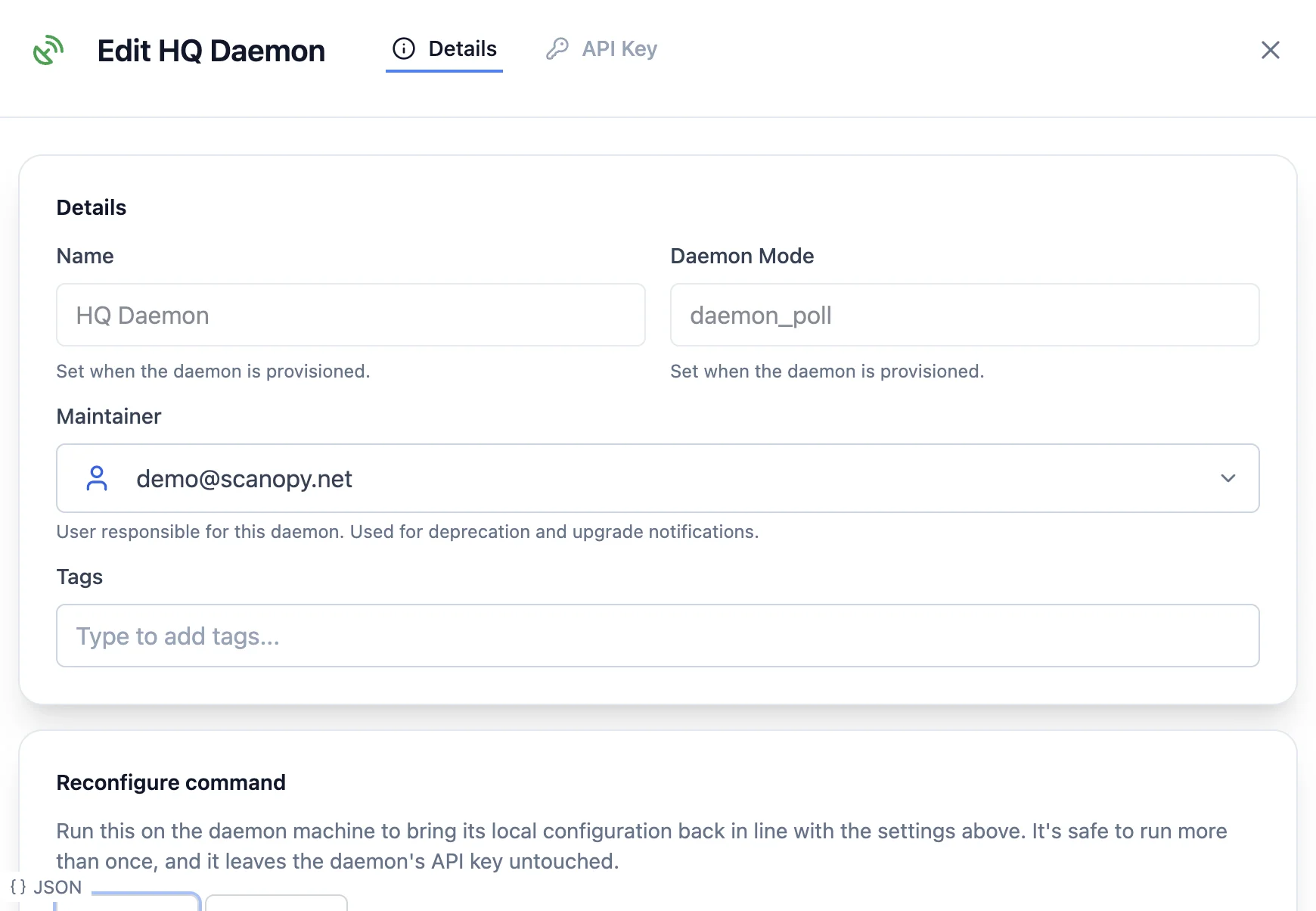
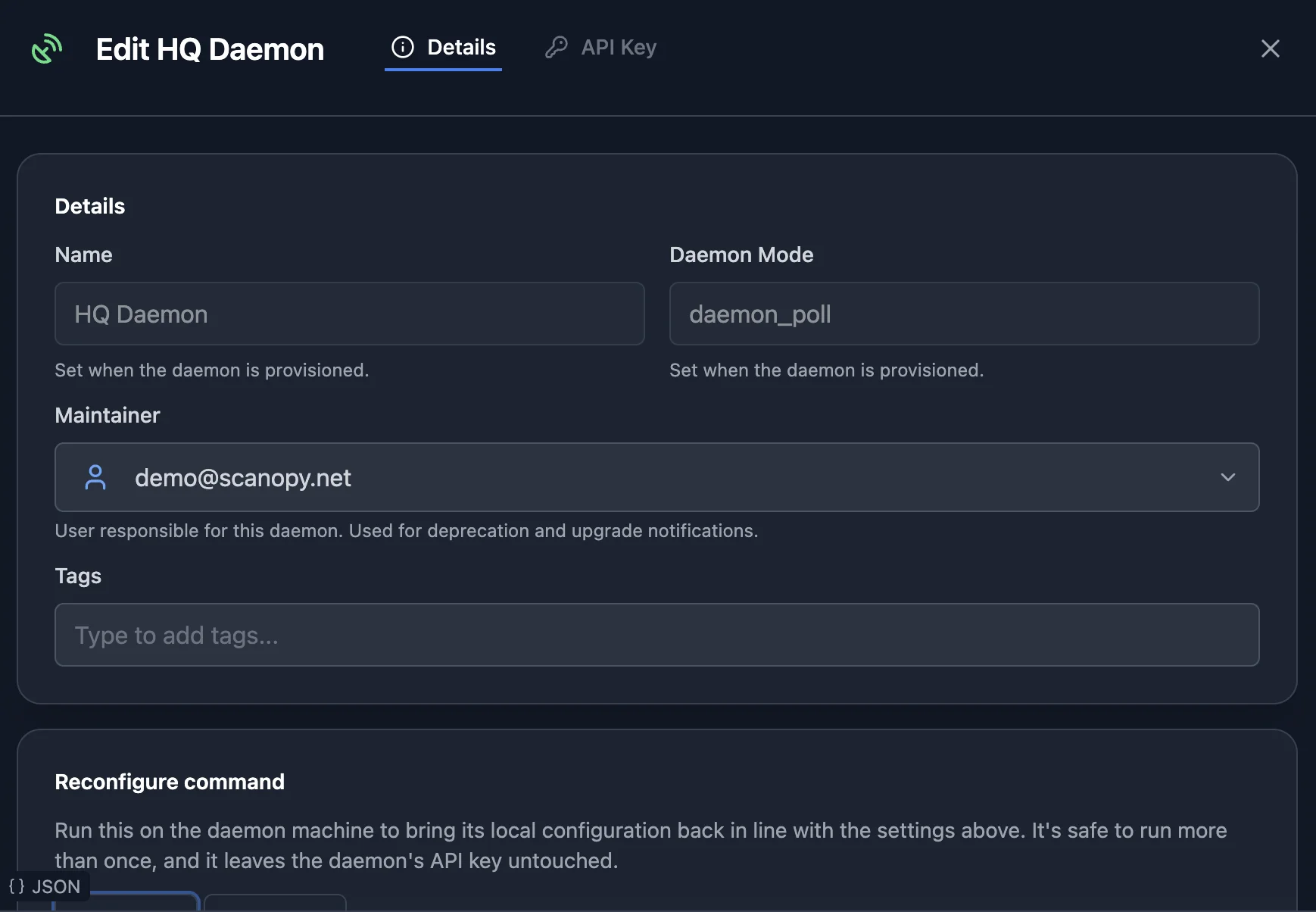
Daemon-local settings — interfaces, ports, log level, scan tuning — live in the daemon config file on the host, not on the server record. Change them by reconfiguring the daemon from the modal, or by editing config.json and restarting the daemon.
Each daemon also reports which subnets it has network interfaces on, which is where its default scan targets come from. That list refreshes on its next discovery, so re-run one after changing the host's network configuration.
Reconfiguring a Daemon
Changing a daemon's advanced settings in the management modal produces a reconfigure artifact — the way settings you change in the app reach a daemon that's already installed.
A reconfigure differs from an install: it carries no API key and doesn't re-fetch the binary. It only re-asserts configuration, layering it over the config.json already on the host. Run the artifact on the daemon host, then restart the daemon.
Restarting a Daemon
For a daemon installed with scanopy-daemon install, run:
sudo scanopy-daemon restartOn a host with several daemons, add --instance <name>, where the selector is the daemon's name, slot, service id or daemon id (all shown by scanopy-daemon list).
Daemons before 0.18.0, and daemons not installed with scanopy-daemon install, have no restart. Restart their service instead:
sudo systemctl restart scanopy-daemonA foreground daemon just needs the process restarted.
Removing a Daemon
To fully remove a daemon, delete it from the UI and uninstall it from the host.
Delete from the UI: Go to Discover > Daemons and click the delete icon in the daemon's row.
Deleting or uninstalling a daemon does not delete discovered data. Hosts, services, subnets, and topology remain on the server until you explicitly delete them.
Uninstall from the host — for a daemon installed with scanopy-daemon install, run:
sudo scanopy-daemon uninstallThis stops and deregisters the service and deletes its config.json. Add --purge to also delete the binary and log files.
On a host running several daemons, target one with --name <selector> — its name, slot, or service id, all shown by scanopy-daemon list — or remove all of them with --all.
Can I migrate a daemon?
No. Daemons discover host-specific data (network interfaces, Docker containers, local services) tied to the machine they run on. Moving a daemon's identity to a different host would produce inaccurate data.
If you're replacing a host, create a new daemon on the new machine and delete the old one.