
Scan Warnings
What each scan warning means, grouped by what it asks you to do.
A completed scan session can carry warnings. Each one is filed under what it asks of you: fix something in Scanopy, check the device, wait for a scan that clears it, or nothing. Its colour and icon show how much the scan lost.
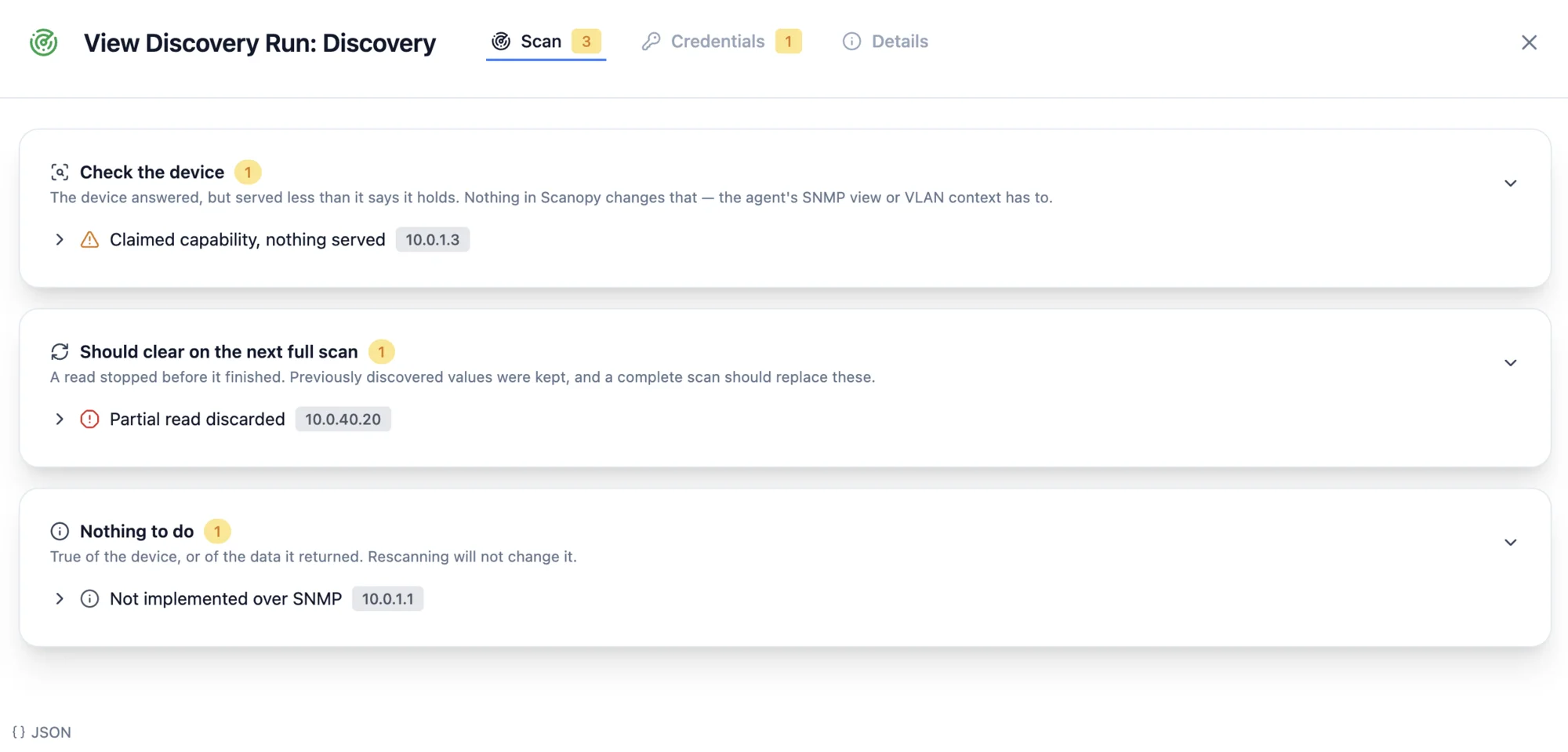
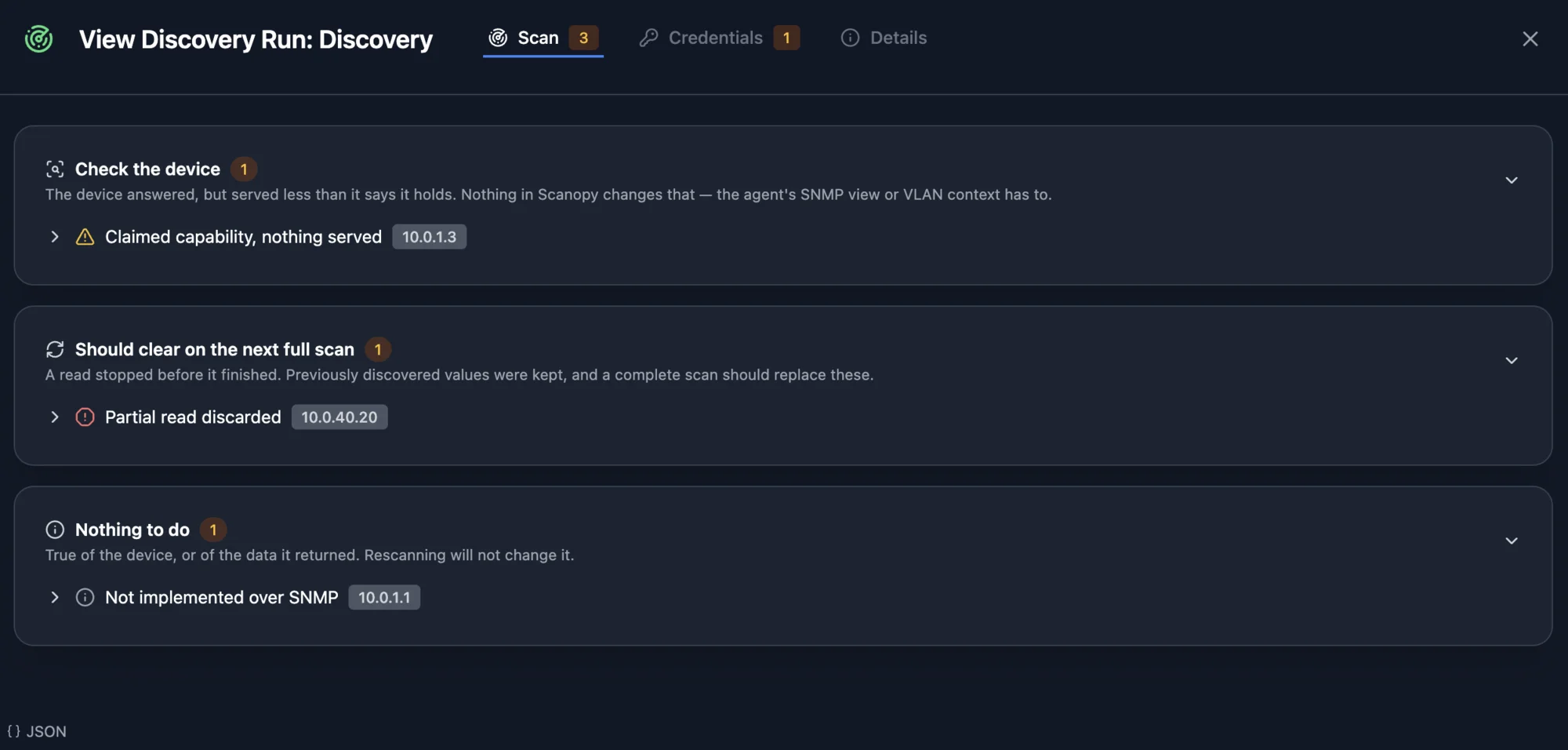
| Colour | What it means |
|---|---|
| Red | Data is missing, or a credential does not work. Acting on it changes what the next scan captures. |
| Amber | Something is incomplete or uncertain, and a later scan may resolve it without any action. |
| Gray | A fact about the device, not a fault — there is nothing to fix. |
Fix in Scanopy — A credential or a scan setting has to change. The next scan reads what this one could not.
| Warning | Severity |
|---|---|
| Credential target outside the scan The credential credential for addresses was never contacted, because no subnet this scan covers reaches there — add the subnet to the discovery, or move the credential to a host inside it. | Red |
| Credential target did not respond The credential credential for addresses was not tried, because nothing answered there during the scan — check the address is right and the host is online. | Red |
| Credential set up for another OS The credential credential reads files on a declared daemon, and daemon runs actual, so it was not used. Set the credential's daemon OS to match, or scan with a declared daemon. | Red |
| Daemon too old for credential The credential credential needs daemon required or newer, and daemon runs version, so it was not sent. Upgrade the daemon to use it. | Red |
| Credential port not open The credential credential for addresses was not tried, because port ports was not open there — check the port configured on the credential. | Red |
| Credential refused The credential credential for addresses was refused — check the username, password or community string. (detail) | Red |
| Credential incomplete The credential credential for addresses is incomplete and could not be used — re-enter it. (detail) | Red |
| TLS negotiation failed The credential credential for addresses could not negotiate TLS — if the appliance serves a self-signed certificate, turn on "accept invalid certificates" in the daemon's scan settings. (detail) | Red |
| Not the expected service The credential credential for addresses reached something that is not the expected service — check the port on the credential. (detail) | Red |
| Collection failed after authenticating The credential credential for addresses authenticated and then failed while collecting, so that data is missing rather than out of date. (detail) | Red |
| Collection timed out after authenticating The credential credential for addresses authenticated and then ran out of time before it finished collecting — rescan separately, or narrow what the scan covers. (detail) | Red |
| Credential target unreachable The credential credential for addresses could not be reached — check the address, port and that the service is listening. (detail) | Red |
| Credential attempt timed out The credential credential for addresses timed out before anything answered — check the address and port, and that the service is listening rather than dropping the connection. (detail) | Red |
| {integration} found without a credential integration answers on count host(s) that no integration credential works on. Add one to collect more: discovers | Gray |
| Handshakes with nothing behind them declined address(es) in cidr completed a TCP connection on ports and then answered nothing, so no host was recorded at any of them. Something in the path — a firewall session helper, a load balancer, a scrubbing appliance — answers for addresses that hold no device, and a bare handshake cannot tell one from the other. If those addresses really do hold devices, scan the subnet from a daemon with an interface on it; if they are empty, nothing here needs fixing. | Amber |
| Scan hit its time limit Scan hit its time limit (hoursh) — hosts_not_scanned host(s) not scanned (~minutes_remaining min of estimated work remaining). Raise Max Discovery Duration or rescan. | Red |
| Scan hit its time limit Scan hit its time limit (hoursh) — hosts_not_scanned host(s) not scanned. Raise Max Discovery Duration or rescan. | Red |
| Neighbour device identifier not unique LLDP/CDP neighbours advertise an identifier that several hosts on this site hold (count in total), so none of them can be picked and no link is drawn. This is usually duplicate records for one device rather than a device that was missed — consolidate the duplicates and the link resolves. | Amber |
| Address range assumed, please confirm count subnet(s) on this site have a range Scanopy assumed rather than read, because devices reported addresses in them that nothing scanned holds. Nothing advertises a netmask, so the range around an address is a convention — confirm or correct it on the subnet. No daemon has an interface on these ranges, and they are reported on every scan until confirmed. | Gray |
| Link resolution did not finish Matching LLDP/CDP neighbours to the devices and ports they name was stopped after budget_secondss, with neighbours interface(s) advertising a neighbour on this site. Physical Topology is missing links this scan would otherwise have drawn; the next scan retries from scratch. Narrow what the scan covers, or split the network across daemons, if it keeps happening. | Amber |
| FDB link resolution did not finish Matching single-MAC forwarding-table entries to the devices they name was stopped after budget_secondss, with interfaces interface(s) still carrying one. Physical Topology is missing links this scan would otherwise have drawn; the next scan retries from scratch. Narrow what the scan covers, or split the network across daemons, if it keeps happening. | Amber |
| Daemon is outdated The daemon that ran this scan is on daemon_version. Upgrade it. | Gray |
| Some warnings not recorded elided further warnings from this scan were not recorded, because it produced more than the scan record holds. Narrow what the scan covers to see the rest. | Amber |
Check the device — The device answered, but served less than it says it holds. Nothing in Scanopy changes that — the agent's SNMP view or VLAN context has to.
| Warning | Severity |
|---|---|
| Fewer rows than the device claims addresses reported source as expected, but only observed could be read. What was read is recorded; a device may be misreporting its own count, or may be declining to serve the rest of the table to this credential. | Amber |
| Claimed capability, nothing served addresses advertised source, but returned no group at all. A device that says it does this and then reports none of it is usually restricting what the credential may see — an SNMP view, or a VLAN context the query has to name. | Amber |
| SNMP answered but returned nothing addresses answered SNMP but returned no interfaces, neighbours, addresses or forwarding data at all. The credential is working, so this is either a device that implements nothing beyond its system description, or one whose tables could not be read — the daemon log records which for each table. | Amber |
Should clear on the next full scan — A read stopped before it finished. Previously discovered values were kept, and a complete scan should replace these.
| Warning | Severity |
|---|---|
| Interface list cut short addresses stopped responding partway through the SNMP interface list, so some interfaces are missing. | Amber |
| Interface details cut short addresses returned every SNMP interface but stopped while reading their details, so some descriptions or speeds may be blank. | Gray |
| Agent answered out of step addresses answered out of step with what was asked for groups, which usually means the agent is under load. Previously discovered values were kept and refresh on the next complete scan. | Amber |
| Partial read discarded addresses did not finish reporting groups, so what it did answer was not recorded — a partial read cannot tell a value that has gone from one that was not reached. Previously discovered values were kept, and refresh on the next complete scan. | Red |
| Partial read recorded addresses did not finish reporting groups, so what it read was recorded and the rest refreshes on the next complete scan. | Amber |
| No answer for a table addresses returned no groups data at all — the device stopped answering rather than reporting that it has none. Previously discovered values were kept rather than overwritten and refresh on the next complete scan. | Amber |
| Claimed count, read cut short addresses reported source as expected, and the read ended at observed without finishing. That is how much of the table is missing — the incomplete-walk line for each device says why it ended. What was read is recorded. | Amber |
| Claimed capability, read cut short addresses advertised source, and the read of that group ended without returning any. The incomplete-walk line for each device says why it ended; what a device advertises is why this is worth reading again rather than treating as empty. | Amber |
| LLDP port table read cut short addresses reported LLDP neighbours on a local port that matches no interface on the device (dropped of total), so they are discarded and draw no links — those devices will look as though they have no LLDP neighbours. The read of their own port numbering did not finish, so the numbering could not be matched up; the incomplete-walk line for each device says which table stopped and why. A complete scan may place these neighbours. | Red |
| Neighbour identifiers cut short addresses reported neighbour records without the identifier needed to match the far end (discarded in total), so consequence. The read of the column identifying the far end stopped before its end, so these records may come back on the next complete scan. | Red |
| VLANs could not be saved The VLANs reported by addresses could not be saved, so VLAN membership is missing from their interfaces. The devices answered correctly — this is a failure recording the result, and the daemon log has the underlying error. | Red |
| PROFINET sweep timed out The PROFINET device sweep did not finish within secondss, so devices that answer only to it are missing from this scan. If this repeats, the packet capture driver on the daemon's host is not honouring its read timeout. | Red |
| Ping sweep timed out The ping sweep did not finish within secondss, so hosts that answer only to ping are missing from this scan. | Red |
| Reverse DNS lookups timed out count reverse DNS lookup(s) got no answer in time, so those hosts have no hostname from DNS in this scan. If this repeats, check the DNS resolver the daemon's host uses. | Amber |
Nothing to do — True of the device, or of the data it returned. Rescanning will not change it.
| Warning | Severity |
|---|---|
| Table larger than one scan reads addresses has more groups than one scan reads — collection stops at limit entries per table, so the rest were not read. The data recorded is correct as far as it goes. | Gray |
| Not implemented over SNMP addresses does not implement groups over SNMP, so it cannot be read from the device at all. Previously discovered values were kept. | Gray |
| Bridge MIB not served addresses did not answer for groups, which these switches commonly do not implement. Their MAC-address-table and VLAN membership cannot be read over SNMP; a UniFi controller integration reports the same data where one manages the device. | Gray |
| LLDP neighbours discarded addresses reported LLDP neighbours on a local port that matches no interface on the device (dropped of total), so they are discarded and draw no links — those devices will look as though they have no LLDP neighbours. This usually means the switch numbers its LLDP ports separately from its interfaces, or did not answer for its LLDP port table. | Red |
| LLDP neighbours possibly misplaced addresses reported LLDP neighbours whose local port could not be identified but does match an interface number (misplaced in total), so they are drawn against a port that may not be the right one. | Amber |
| Neighbour rows without identifiers addresses reported neighbour records without the identifier needed to match the far end (discarded in total), so consequence. The rows appeared only in the columns describing each neighbour, never in the one identifying it, so there was no identifier to lose. Rescanning will not change this. | Red |
| Neighbours listed without identifiers addresses reported neighbour records without the identifier needed to match the far end (discarded in total), so consequence. These neighbours were listed and then no identifier was supplied for them. The read finished, so rescanning will not change this. | Red |
| Neighbour identifier of the wrong type addresses reported neighbour records without the identifier needed to match the far end (discarded in total), so consequence. The identifying column came back with a value of a type it cannot hold. Rescanning will not change this. | Red |
| Neighbour position unreadable addresses reported neighbour records without the identifier needed to match the far end (discarded in total), so consequence. Their position in the neighbour table could not be read, so they could not be tied to a local port. Rescanning will not change this. | Red |
| Interfaces merged from two integrations addresses answered both first and second, and both integrations reported a full interface table. Scanopy merged the two sets. On a port both describe, first answered first, so Scanopy used its row and its neighbours. Running both is supported. | Gray |
| Neighbour device not discovered LLDP/CDP neighbours name devices this site has not discovered (count in total), so they draw no links. This is expected where the far end is an endpoint or unmanaged device; a device that should have been scanned means the identifier it advertises is not one this site holds. | Amber |
| No lookup for the advertised port id LLDP/CDP neighbours resolved to a device but advertise a port id of a subtype there is no lookup for (count in total), so Physical Topology draws a dashed device-level link instead of a port-to-port one. | Amber |
| Advertised port not found LLDP/CDP neighbours resolved to a device but no port on it matches the advertised port id (count in total), so Physical Topology draws a dashed device-level link instead of a port-to-port one. | Amber |
| Advertised port not unique LLDP/CDP neighbours resolved to a device but several of its ports match the advertised port id (count in total), so it identifies none and Physical Topology draws a dashed device-level link instead of a port-to-port one. | Amber |
| Warning from another version detail | Gray |