
Introduction
Scanopy discovers hosts, services and network topology, then keeps an interactive map current on a schedule. What it does, what it needs, and how to run your first scan.
Scanopy is a network discovery and visualization tool that automatically discovers hosts, services, and network topology across your infrastructure.
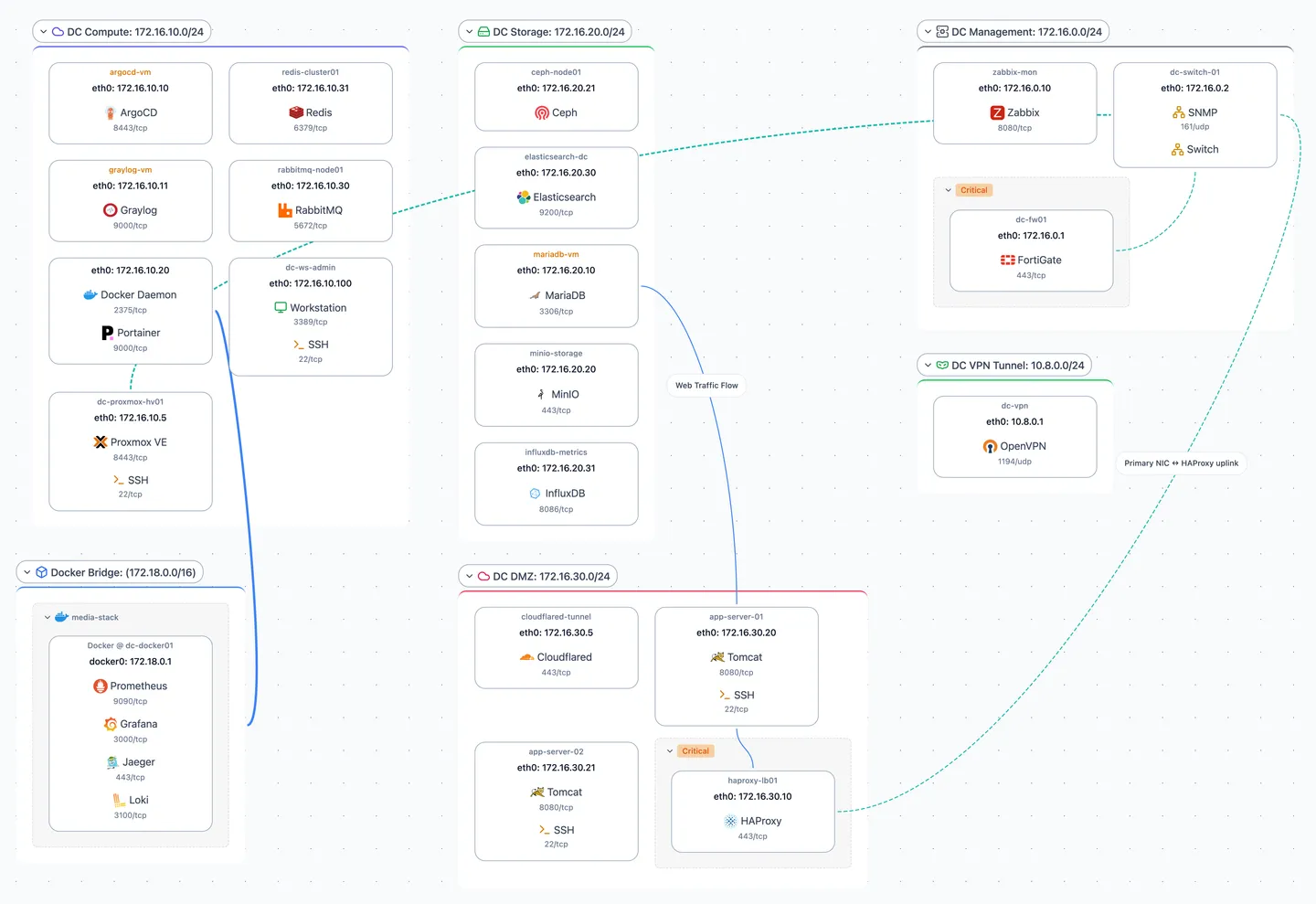
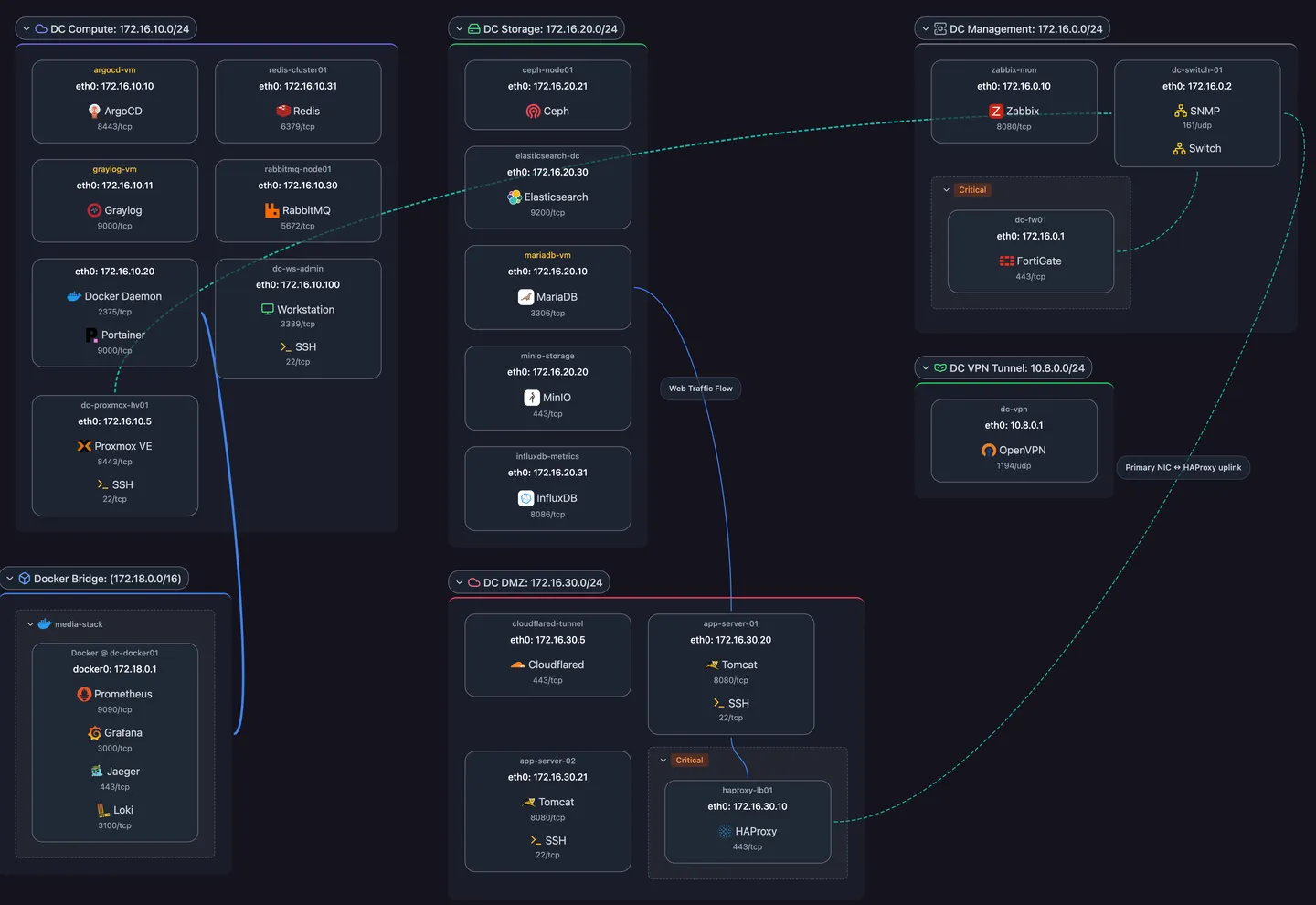
Key Features
- Network Discovery — Automatically find hosts and services on your network
- Service Detection — Identify 200+ services including databases, web servers, and home automation
- Topology Visualization — View your infrastructure from multiple perspectives — network segmentation, service dependencies, workload placement, and physical wiring
- Distributed Scanning — Deploy daemons across multiple sites
Cloud vs Self-Hosted
Scanopy is available in two deployment models:
Scanopy Cloud
- Managed service — We handle the server infrastructure
- Quick setup — Create an account and deploy daemons immediately
- Automatic updates — Always on the latest version
With Scanopy Cloud, you only need to deploy daemons to your networks. The server, database, and UI are managed for you.
Self-Hosted
- Full control — Run everything on your own infrastructure
- Data sovereignty — All data stays on your servers
- Customization — Configure server settings, OIDC, and more
Self-hosted users need to install the Scanopy server before deploying daemons. See Installing a Self-Hosted Server for setup instructions.
How Scanopy Works
- Daemons run on your networks and perform discovery scans
- Server stores data and serves the web UI
- UI provides visualization, management, and configuration
Next Steps
- Self-hosted users: Start with Installing a Self-Hosted Server, then continue to Quick Start
- Cloud users: Continue to Quick Start